User’s Manual
247
5.12.1.2 Connecting Sensor through Camera with Gateway
Only the camera with gateway supports this function.
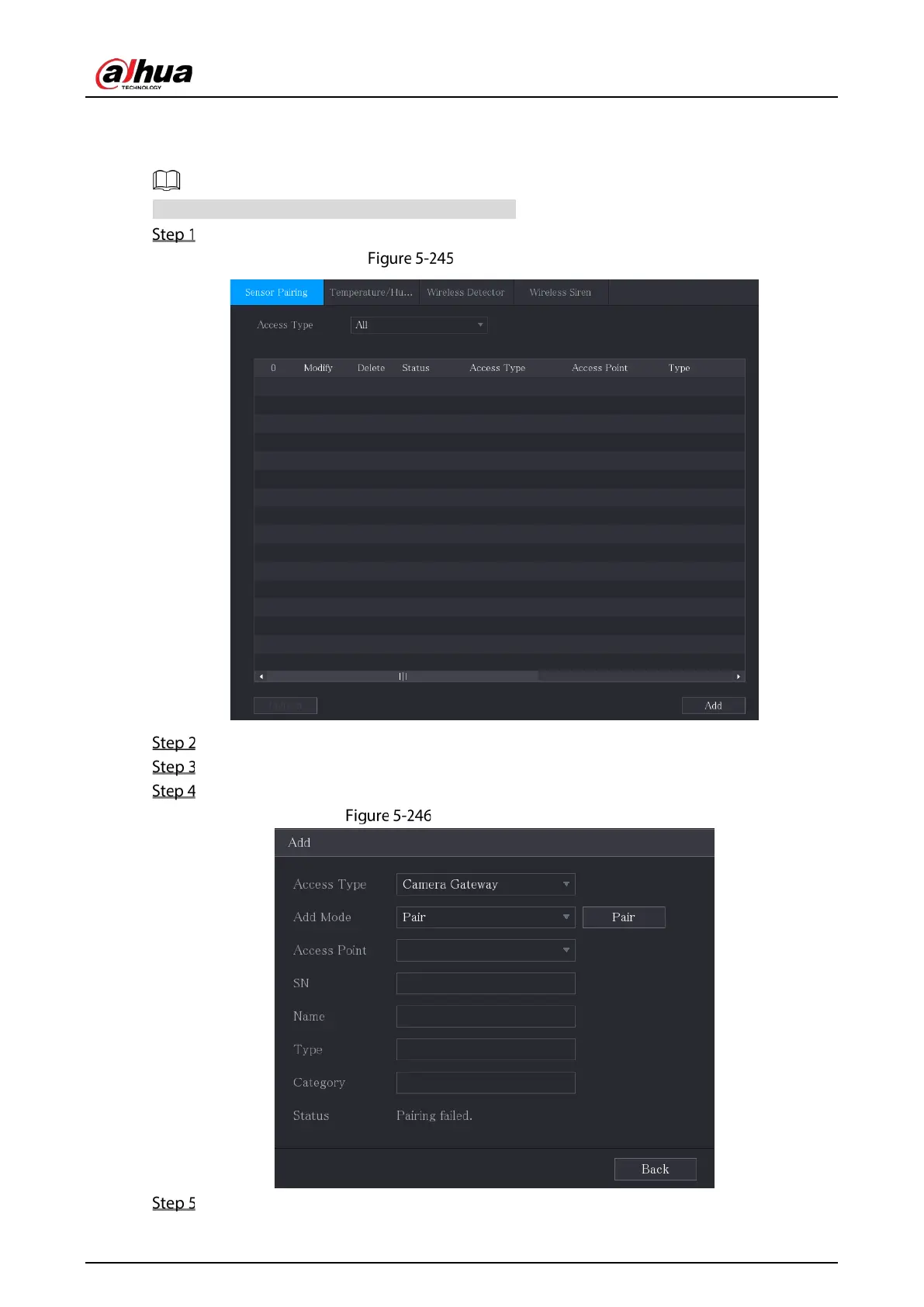
Select Main Menu > IoT > Management > Sensor Pairing.
Sensor pairing
In the Access Type list, select Camera Gateway.
In the Channel list, select the channel that is connected to the camera.
Click Add.
Add camera gateway
Click Pair.


 To Next Page
 Loading...
