User's Manual
114
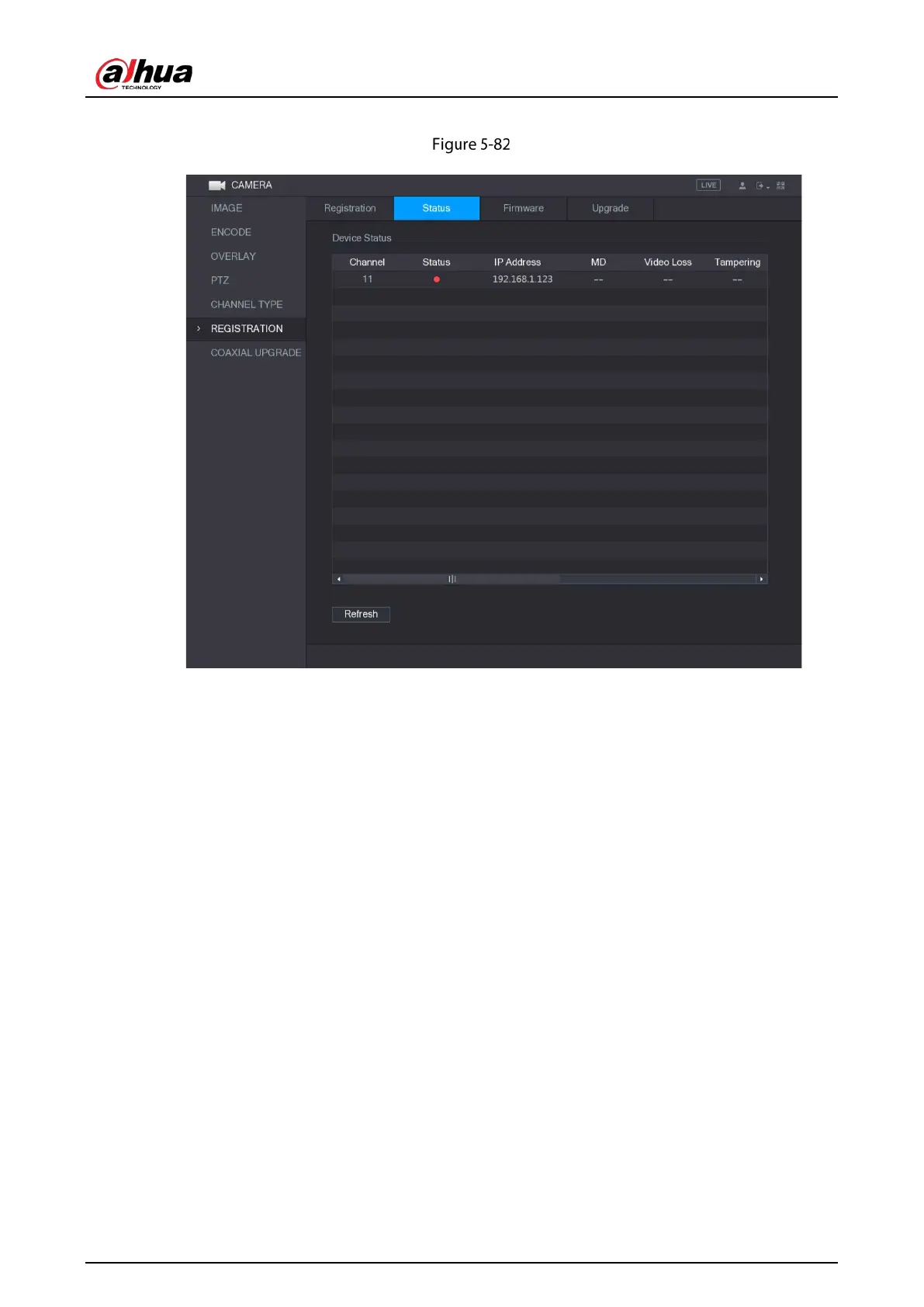
Select Main Menu > CAMERA > REGISTRATION > Status, the Status interface is displayed.
Status
5.6.2.2 Viewing Firmware Information
You can view the device firmware information such as channel number, IP address, manufacturer,
system version, video input, audio input, and alarm in.
Select
Main Menu > CAMERA > REGISTRATION > Firmware, the Firmware interface is displayed.


 To Next Page
 Loading...

