User's Manual
176
5.10.6.3 Configuring Siren
When the motion detection alarm is activated, the system links the camera to generate sound alarm.
To use this function, connect at least one camera that supports audio function.
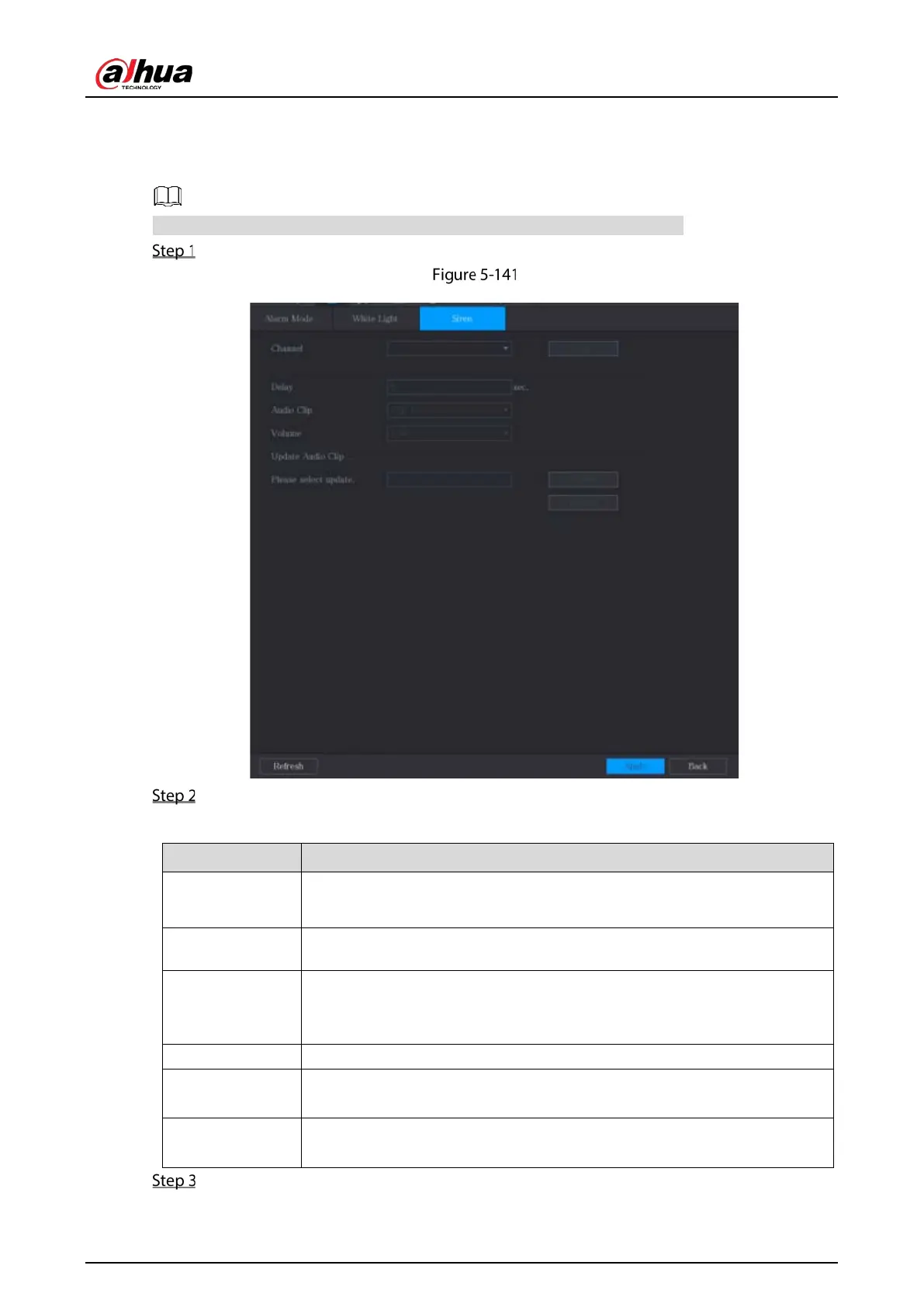
Select Main Menu > ALARM > Alarm-out Port > Siren.
Siren
Configure the settings for the siren parameters.
Table 5-51 Siren parameters
Channel
In the
list, select a channel that is connected to a camera that
supports audio function.
Play Click
to manually trigger the IP camera to play audio file.
Delay
Set a length of time for the Device to delay turning off alarm after the alarm
is cancelled. The value ranges from 5 seconds to 30 seconds, and the default
value is 5 seconds.
Audio Clip Select the audio clip for the siren sound. The default setting is
.
Volume
Select the volume for the audio clip. You can select the flash frequency from
,
, and
.
Update Audio
Clip
Import the upgrade audio file (.bin) to upgrade the alarm audio file of the
camera.
Click Apply to complete the settings.


 To Next Page
 Loading...

