User's Manual
241
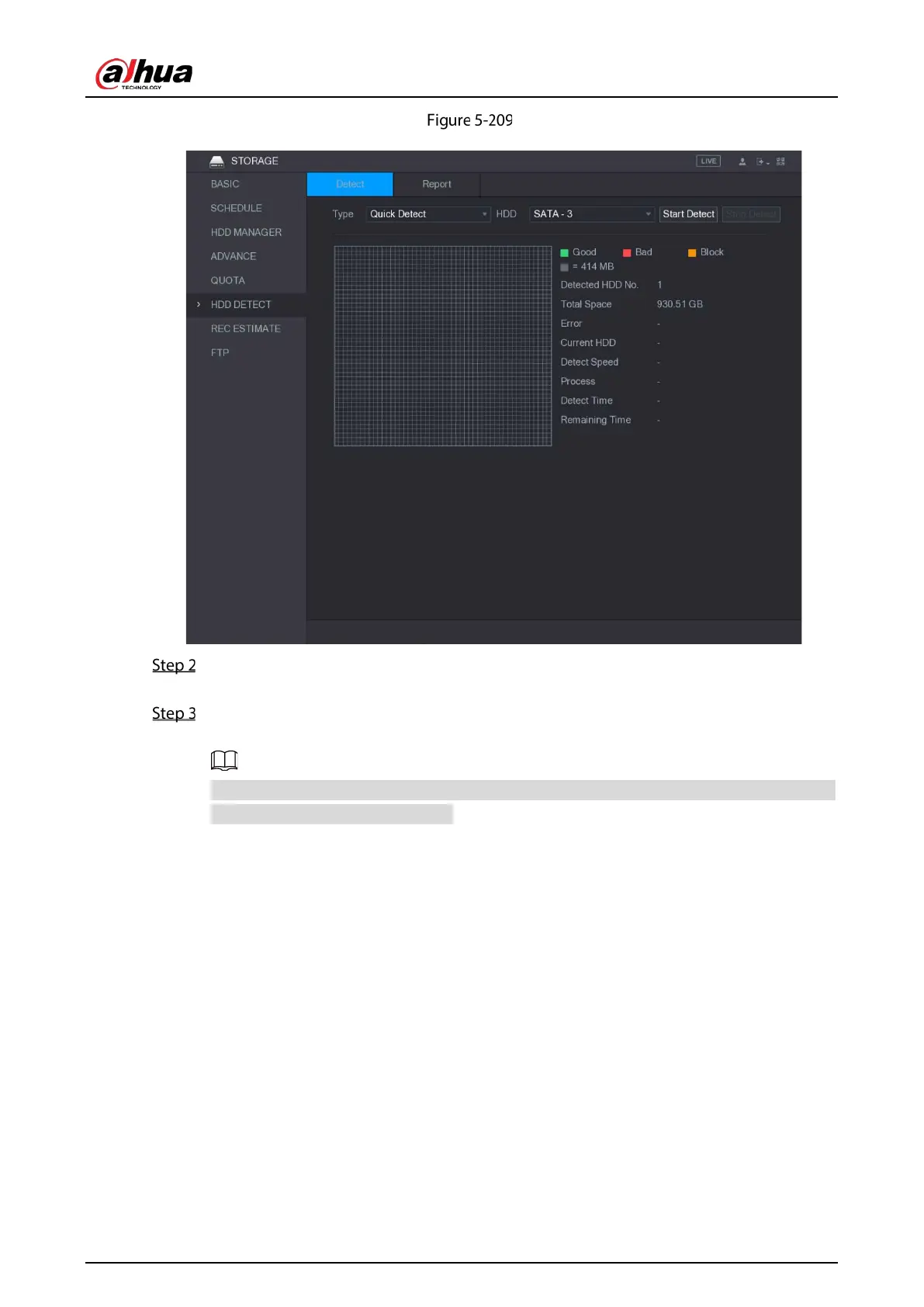
Detect
In the Type list, select Quick Detect or Global Detect; and in the HDD list, select the HDD
that you want to detect.
Click Start Detect.
The system starts detecting the HDD.
During detecting, click Pause to pause detecting, click Continue to restart detecting, and
click Stop Detect to stop detecting.


 To Next Page
 Loading...

