www.climatecenter.co.uk
Trouble Shooting
Daikin Trouble Shooting Guide
Past & Current Models
No. Code No. Code No. Code
1 00 11 E7 21 UA
2 U4 12 C7 22 A5
3 F3 13 H8 23 J9
4 E6 14 J8 24 E8
5 L5 15 A3 25 P4
6 R6 16 A1 26 L3
7 E5 17 C4 27 L4
8 LC 18 C5 28 H6
9 C9 19 H9 29 H7
10 UC 20 J6 30 U2
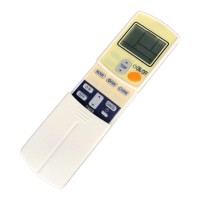
Fault Code Retrieval with Infra Red
Remote Controller
In the ARC433A series, the temperature display sections on
the main unit indicate corresponding codes.
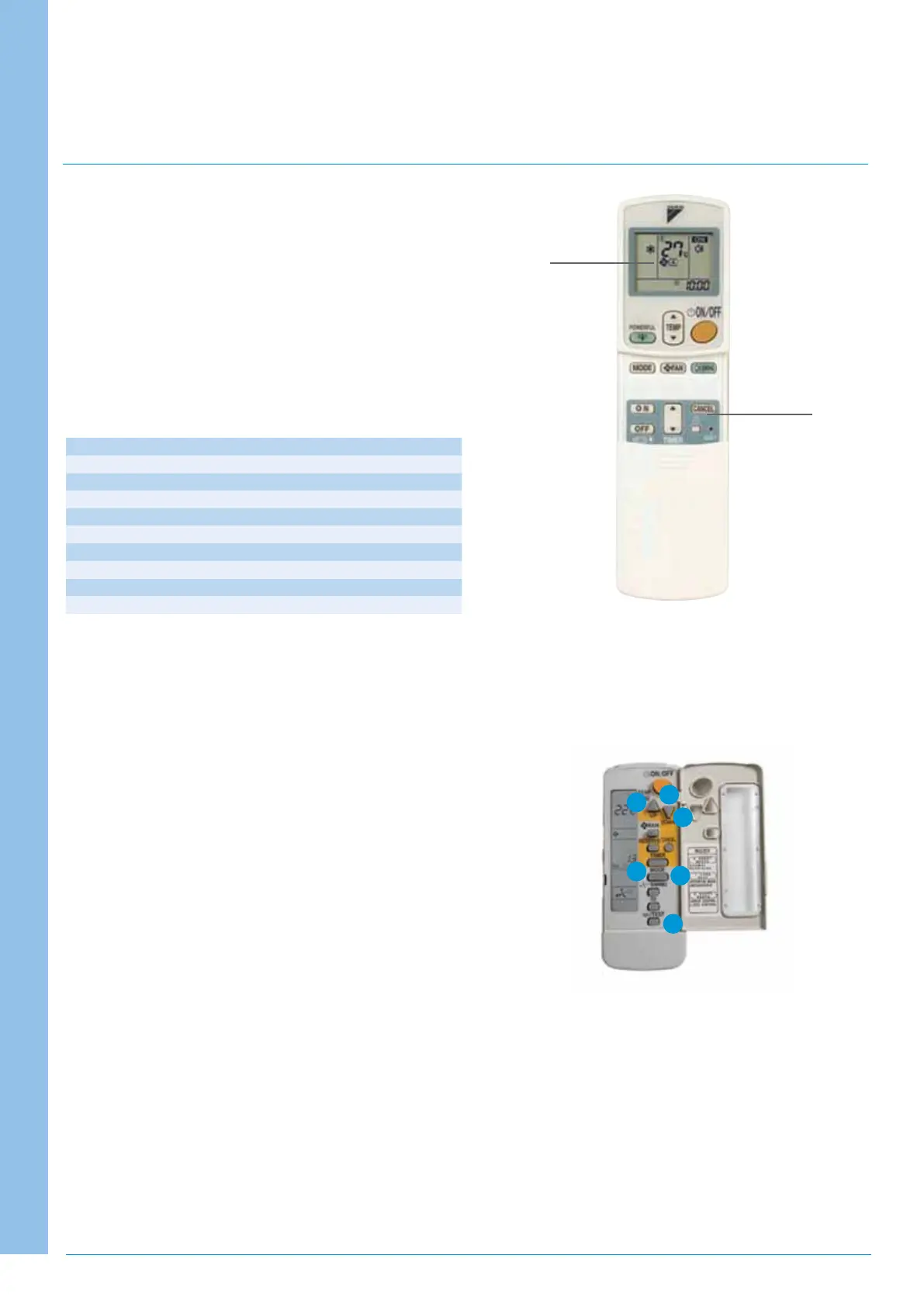
1. When the timer cancel button is held down for
5 seconds, a “00” indication flashes on the temperature
display section.
2. Press the timer cancel button repeatedly until a continuous
beep is produced.
•Thecodeindicationchangesinthesequenceshownbelow
and notifies with a long beep.
1. A short beep and two consecutive beeps indicate
non-corresponding codes.
2.Tocancelthecodedisplay,holdthetimercancelbutton
downfor5seconds.Thedisplayalsocancelsitselfifthe
button is not pressed for 1 minute.
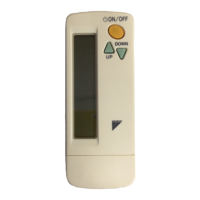
SkyAir, VRV Infra Red Remote Controller
Wireless Controllers – Fault diagnostics
1.PresstheInspection/Testbuttontoselect“Inspection”.
Theequipmententerstheinspectionmode.The“Unit”
indicationlightsandtheUnitNo.displayshowsaflashing
“0” indication.
2.SettheUnitNo.bypressingtheUP/DOWNbutton&
changetheUnitNo.displayuntilashortbeepisgenerated
by the indoor unit.
3.PresstheMODEbutton.Theleft“0”flashes.
4.PresstheUP/DOWNbutton&changedisplayuntil2short
beeps are heard. First part of fault code.
5.PresstheMODEbutton.Theright“0”flashes.
6.PresstheUP/DOWNbutton&changethedisplayuntil
1 short beep is heard or a continuous beep is heard
indicating both digits match the fault code.
Time
Cancel
Button
00
4
5
1
3
2
6


 To Previous Page
 Loading...