English
5
1 IM-5WMYJ-0113(2)DAIKIN_EN.indd7 1 IM-5WMYJ-0113(2)DAIKIN_EN.indd7 6/10/14 10:07:24 AM6/10/14 10:07:24 AM
2
3
Adjust the dip switch to “ON” position enables the assigned input contacts.
Configure the Option Setting Dip Switch (DIP_Option) according to operating option
preferences and refer to the table below:
Adjust the dip switch to “ON” position enables the function assigned to it.
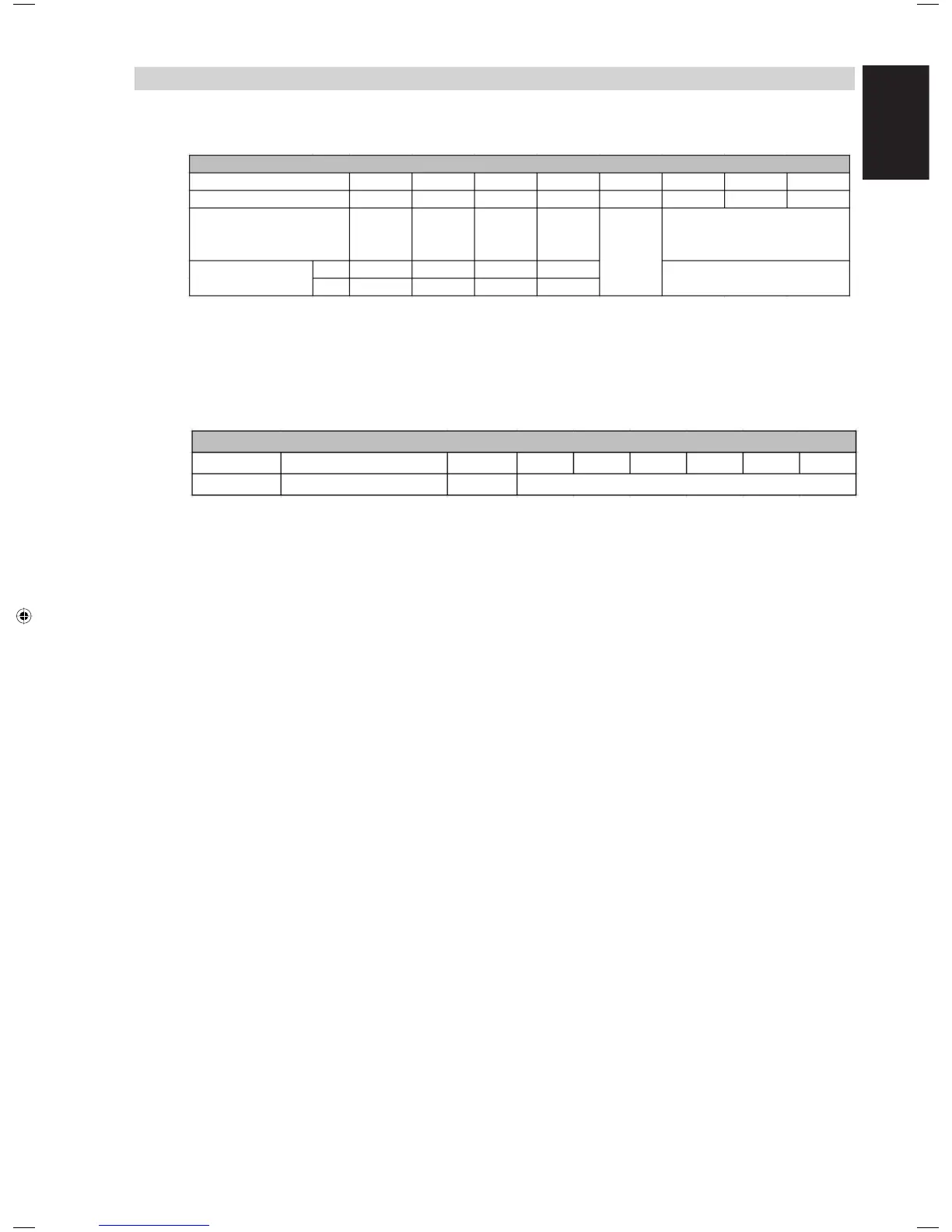
UNIT CONFIGURATION
Configure the Input Control Setting Dip Switch (DIP_InputCTRL) according to the
configurations required and refer to the table below:
Dip_InputCtrl
Dip Position
Force Off
On/Off
Heat/Cool
Mode
Hi
Fan Speed
Resistance
Input
( Reserved )
2
3
4
5
6
7
8
X1
X3
X2
X4
X5
X6
X7
Low
-
Dip_Option
Dip Position
Setting
Handset On/Off Override
SQ Mode
Reserved
Terminal Block Designator
Description
1
Cool
Heat
On
Off
Off
Unchanged
On
Off
Setting
1
2
3
4
5
6
7
8
X8



 To Next Page