English 8
In case of automatic operation
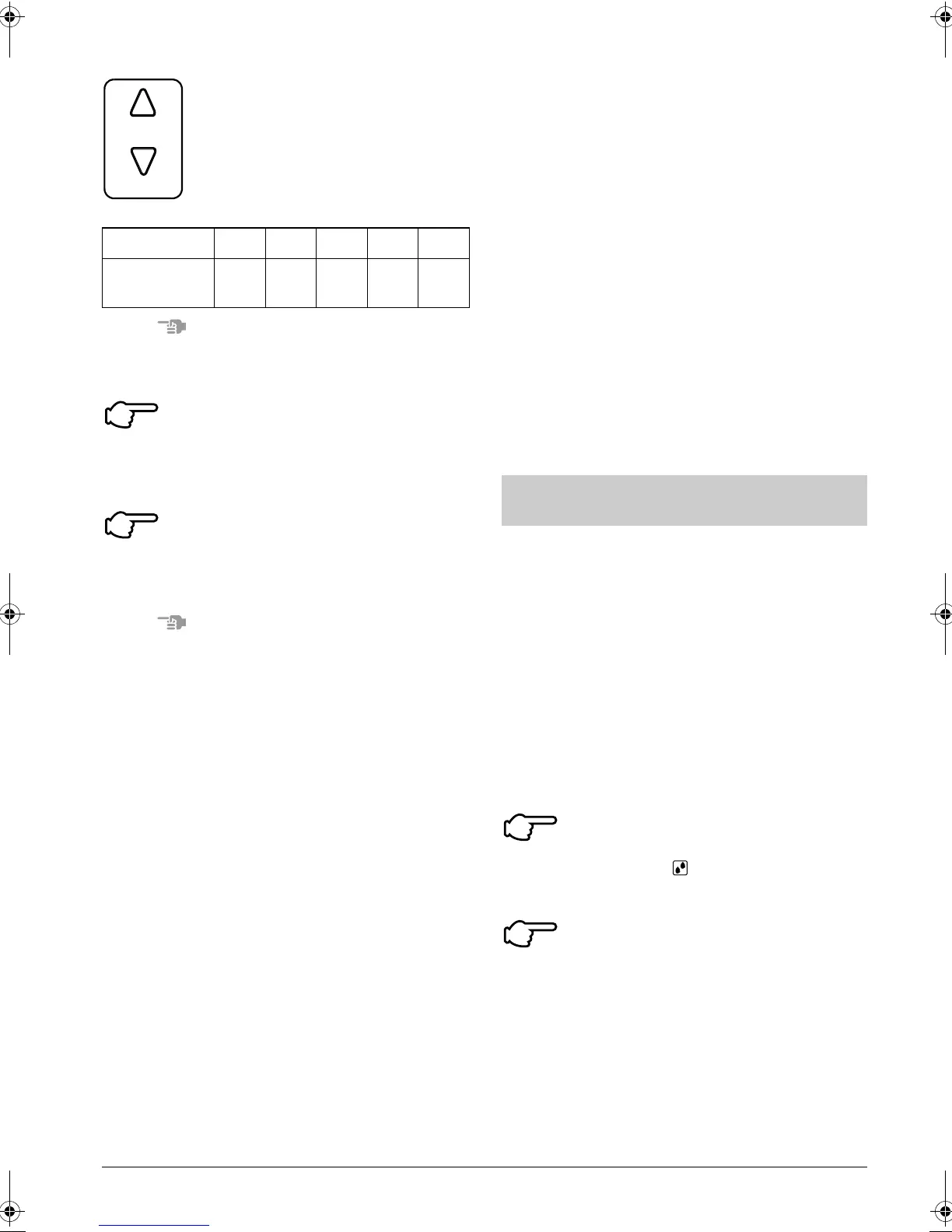
Each time this button is pressed, set-
ting temperature shifts to “H” side.
Each time this button is pressed, set-
ting temperature shifts to “L” side.
[°C]
NOTE
• The setting is impossible for fan operation.
Press FAN SPEED CONTROL
button.
HH, H or L fan speed can be selected.
STOPPING THE SYSTEM
Press ON/OFF button once
again.
OPERATION lamp goes off, and the system
stops OPERATION.
NOTE
• Do not turn OFF power immediately after
the unit stops. Then, wait no less than
5 minutes. Water is leaking or there is
something else wrong with the unit.
[EXPLANATION OF HEATING
OPERATION]
DEFROST OPERATION
• As the frost on the coil of an outdoor unit
increase, heating effect decreases and the
system goes into DEFROST OPERA-
TION.
• The fan operation stops and the
DEFROST lamp of the indoor unit goes on.
After 6 to 8 minutes (maximum 10 min-
utes) of DEFROST OPERATION, the sys-
tem returns to HEATING OPERATION.
UP
DOWN
H•M•L
Setting
temperature
25 23 22 21 19
4
5
Heating capacity & Outdoor air tem-
perature
• Heating capacity drops as outdoor air tem-
perature lowers. If feeling cold, use
another heater at the same time as this air
conditioner.
• Hot air is circulated to warm the room. It
will take some time from when the air con-
ditioner is first started until the entire room
becomes warm. The internal fan automat-
ically turns at low speed until the air condi-
tioner reaches a certain temperature on
the inside. In this situation, all you can do
is wait.
• If hot air accumulates on the ceiling and
feet are left feeling cold, it is recommended
to use a circulator. For details, contact the
place of purchase.
• The function of this program is to decrease
the humidity in your room with the mini-
mum temperature decrease.
• Micro computer automatically determines
TEMPERATURE and FAN SPEED.
• This system does not go into operation if
the room temperature is below 16°C.
〈〈FOR SYSTEMS WITHOUT COOL/
HEAT CHANGEOVER REMOTE CON-
TROL SWITCH (Fig. 5)〉〉
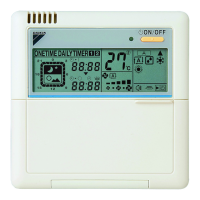
Press OPERATION MODE
SELECTOR button several
times and select “ ” (PROGRAM DRY
OPERATION).
Press ON/OFF button.
OPERATION lamp lights up and system
starts OPERATION.
PROGRAM DRY OPERATION
(Fig. 5, 6)
1
2
01_EN_3P107422-29P.fm Page 8 Thursday, January 17, 2008 1:46 PM



 To Next Page