ENGLISH
1-1
Original Instruction
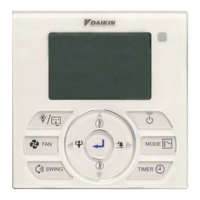
1. Transmission source
• The source where the signal will be transmitted.
2. Signal transmission indication
• Blink to confi rm that the last setting has been transmitted to the unit.
3. “ON/OFF” Button
• Press once to start the air conditioner unit.
• Press again to stop the unit.
4. Fan speed selection
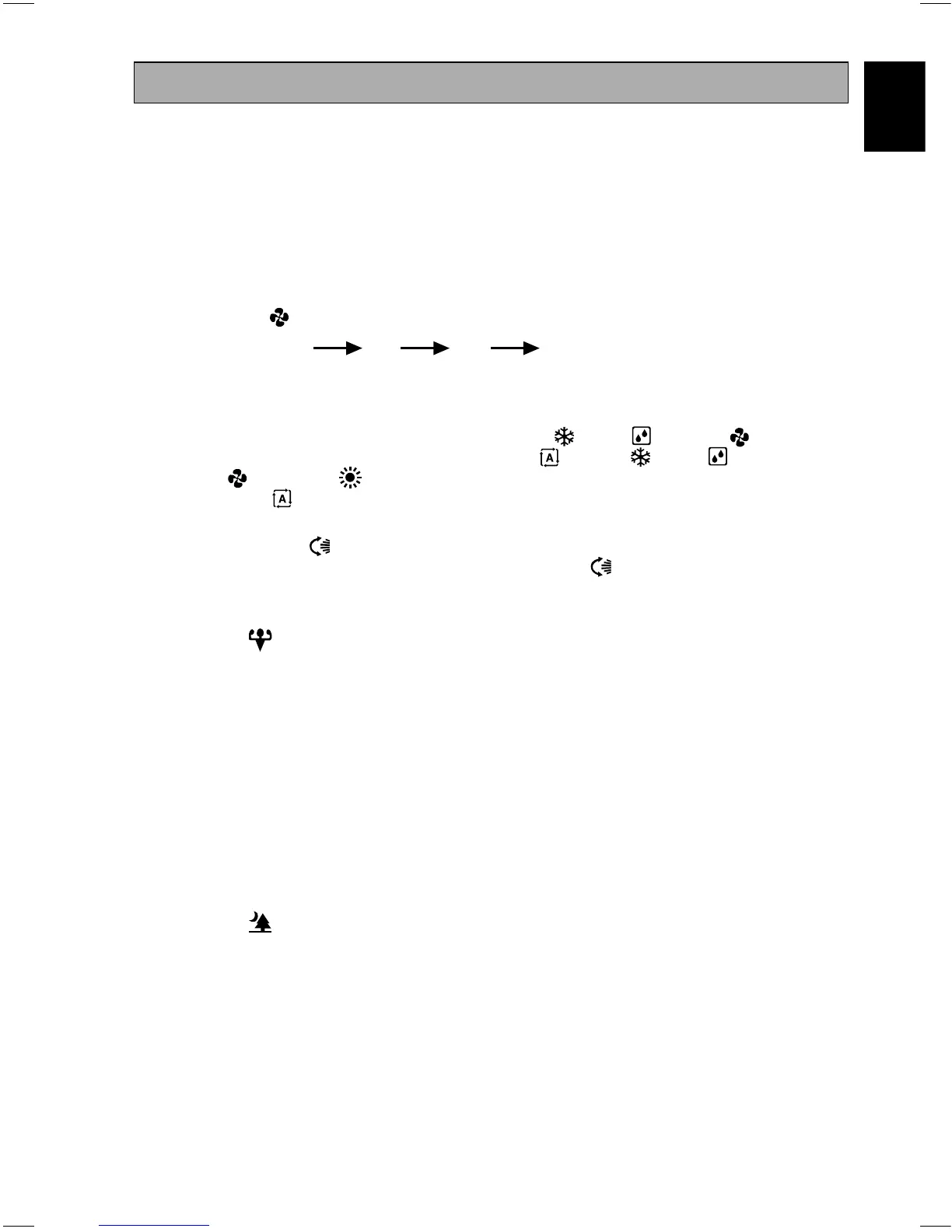
• Pressing the button continuously will toggle the fan speed in the following order:
Low
Med High Auto
• Stop pressing when the desired fan speed appears on the display screen.
5. Operation mode
• Press the MODE button to select the type of operating mode.
• For cooling only unit, the available modes are: COOL ( ), DRY ( ) and FAN ( ).
• For heat pump unit, the available modes are: AUTO ( ), COOL ( ), DRY ( ),
FAN ( ) and HEAT ( ).
• The AUTO ( ) mode is unavailable for chilled water system except 4-pipe system.
6. Automatic air swing
• Press the SWING button to activate the automatic air swing function.
• To distribute the air to a specifi c direction, press the SWING button and wait until the louver
move to the desired direction and press the button once again.
7. Powerful function
• Press the button for fast cooling or heating operation.
• Fan speed turn to maximum speed.
• Press again for smart cooling or heating operation.
• Fan speed turn to maximum speed and louver will be adjusted as according to the judgement of
sense function.
• Press again to deactivate the function.
• Available under HEAT and COOL modes only.
• Any change of fan speed will deactivate this function.
8. OFF timer setting
• Press the OFF TIMER button will activate the off timer function.
• Set the desired off time by pressing the OFF TIMER button continuously.
• Press the CANCEL button to cancel the off timer setting.
9. Quiet function
• Press the button for quiet operation.
• Fan speed turn to minimum speed.
• Press again to deactivate the function.
• Available under HEAT and COOL modes only.
• Any change of fan speed will deactivate this function.
OPERATING GUIDE
OM-BRC52B-0617(2)-DAIKIN USA.indb 1OM-BRC52B-0617(2)-DAIKIN USA.indb 1 10/30/2017 3:47:04 PM10/30/2017 3:47:04 PM



 To Next Page