OH08-1 Remote Controller (Wireless Type)
Control Systems 57
2
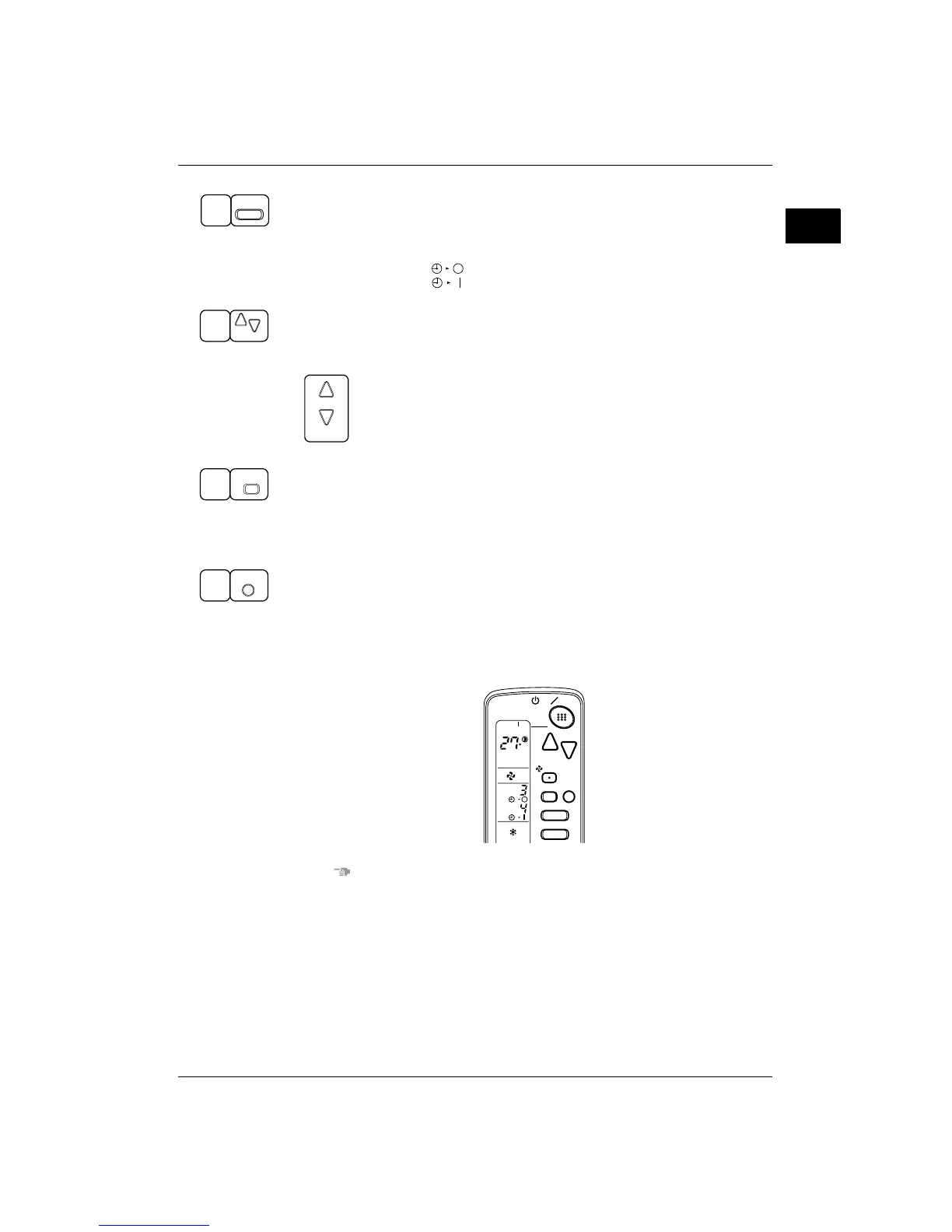
TIMER MODE START/STOP
Press the TIMER MODE START/STOP button several times and select the mode on the display.
The display flashes.
For setting the timer stop .... “ ”
For setting the timer start .... “ ”
PROGRAMMING TIME
Press the PROGRAMMING TIME button and set the time for stopping or starting the system.
When this button is pressed, the time advances by 1 hour.
When this button is pressed, the time goes backward by 1 hour.
TIMER RESERVE
Press the TIMER RESERVE button.
The timer setting procedure ends.
The display or changes from flashing light to a constant light.
TIMER CANCEL
Press the TIMER OFF button to cancel programming. The display vanishes.
For example.
When the timer is programmed to stop the system after 3 hours and start the system after 4 hours, the
system will stop after 3 hours and then 1 hour later the system will start.
NOTES
z When the timer is programmed to stop the system after 3 hours and start the system after 4 hours, the
system will stop after 3 hours and then 1 hour later the system will start.
z After the timer is programmed, the display shows the remaining time.
1
TIMER
2
DOWN
UP
DOWN
UP
3
RESERVE
4
CANCEL
MODE
TIMER
RESERVE
CANCEL
DOWN
UP
FAN
TIME
TEMP
ON OFF
C
hr.
hr.
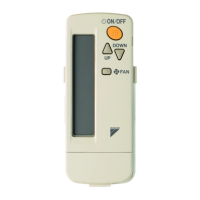
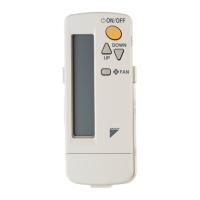
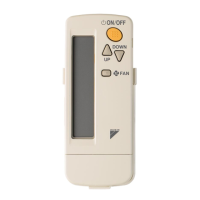
2.3 BRC7F634F / BRC7F635F



 To Next Page