3 About the box
Installer reference guide
7
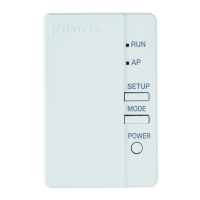
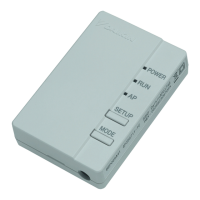
BRP069A61+BRP069A62
Daikin Altherma LAN adapter
4P464229-1B – 2018.10
2.3 System requirements
The requirements posed on the Daikin Altherma system depend on
the LAN adapter application/system layout.
App control
Item Requirement
LAN adapter software It is recommended to ALWAYS
keep the LAN adapter software
up-to-date.
Unit control method Make sure user interface setting
[C‑07] is set to 2:RTControl.
Smart Grid application
Item Requirement
LAN adapter software It is recommended to ALWAYS
keep the LAN adapter software
up-to-date.
Unit control method Make sure user interface setting
[C‑07] is set to 2:RTControl.
Domestic hot water settings To allow for energy buffering in
the domestic hot water tank:
▪ Domestic hot water setting
[E-05] (DHW operation) MUST
be set to "DHW" ([E-05]=1).
▪ Domestic hot water setting
[E-06] (DHW tank type.) MUST
be set to "DHW
tank" ([E-06]=1).
Power consumption control
settings
▪ Power consumption control
setting [4‑08] (Mode) MUST be
set to "Continuous" ([4‑08]=1).
▪ Power consumption control
setting [4‑09] (Type) MUST be
set to "Power" ([4‑09]=1).
INFORMATION
For instructions on how to perform a software update, see
"7.4Updating software"on page14.
2.4 On-site installation requirements
What you need on site to install the LAN adapter depends on the
system layout.
BRP069A61 BRP069A62
Always
PC/laptop with Ethernet connector
Router (DHCP enabled)
At least one 2‑wire cable (for the connection of the LAN adapter to
the indoor unit (P1/P2))
Smartphone with the Online Controller app
Depending on the system layout
IF connection to an
electricity meter
(X2A)
Electricity meter —
2‑wire cable —
IF connection to a
solar inverter/energy
management system
(X1A)
2‑wire cable —
Circuit breaker
(100mA~6A, type B)
—
INFORMATION
▪ For an overview of the possible system layouts, see
"2.2 System layout" on page 3. For more information
about the electrical wiring, see "4.2 Overview of
electrical connections"on page8.
▪ The function of the router in the system depends on the
system layout. In case of app control (only), the router
is a mandatory system component, required for the
communication between Daikin Altherma system and
smartphone. In case of Smart Grid application (only),
the router is NOT a mandatory component, but only
used for configuration purposes. In case of app control
+ Smart Grid application, you need the router both as a
system component and for configuration purposes.
▪ The smartphone and Online Controller app are used to
perform a LAN adapter software update (if required).
Therefore, ALWAYS take a smartphone plus app to the
installation site, also when the adapter is only used for
the Smart Grid application.
▪ Some tools and components might already be available
on site. Before going on site, find out which
components are already at hand, and which ones you
need to provide (e.g. router, electricity meter, …).
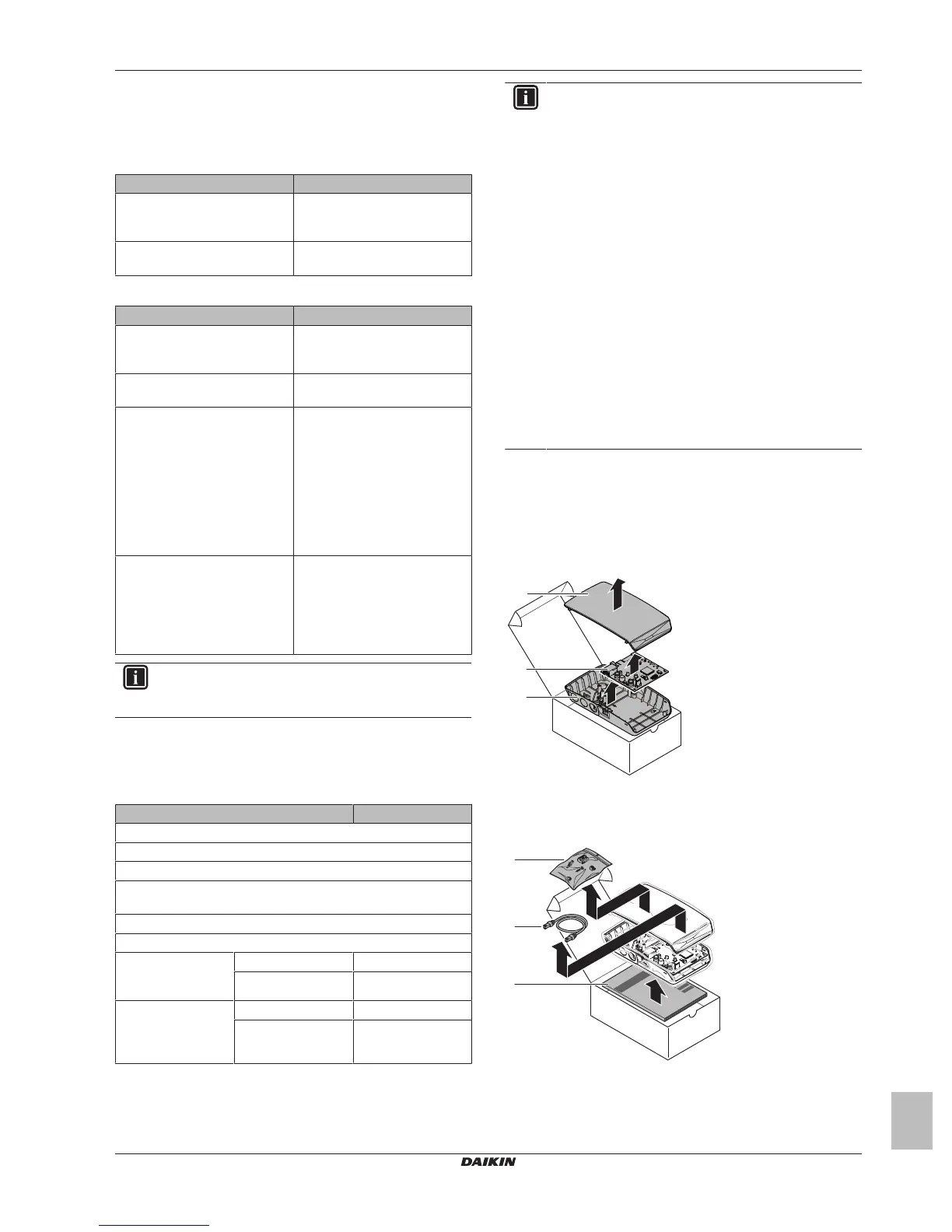
3 About the box
3.1 To unpack the LAN adapter
1 Unpack the LAN adapter.
a Front casing
b PCB
c Rear casing
2 Separate the accessories.
a Accessories



 To Next Page