English 16
When this happens Explanation and where to check
When trying to make
a direct connection to
the adapter (AP mode)
the WLAN adapter is not
visible in the available
Wi-Fi networks list of
the phone/tablet
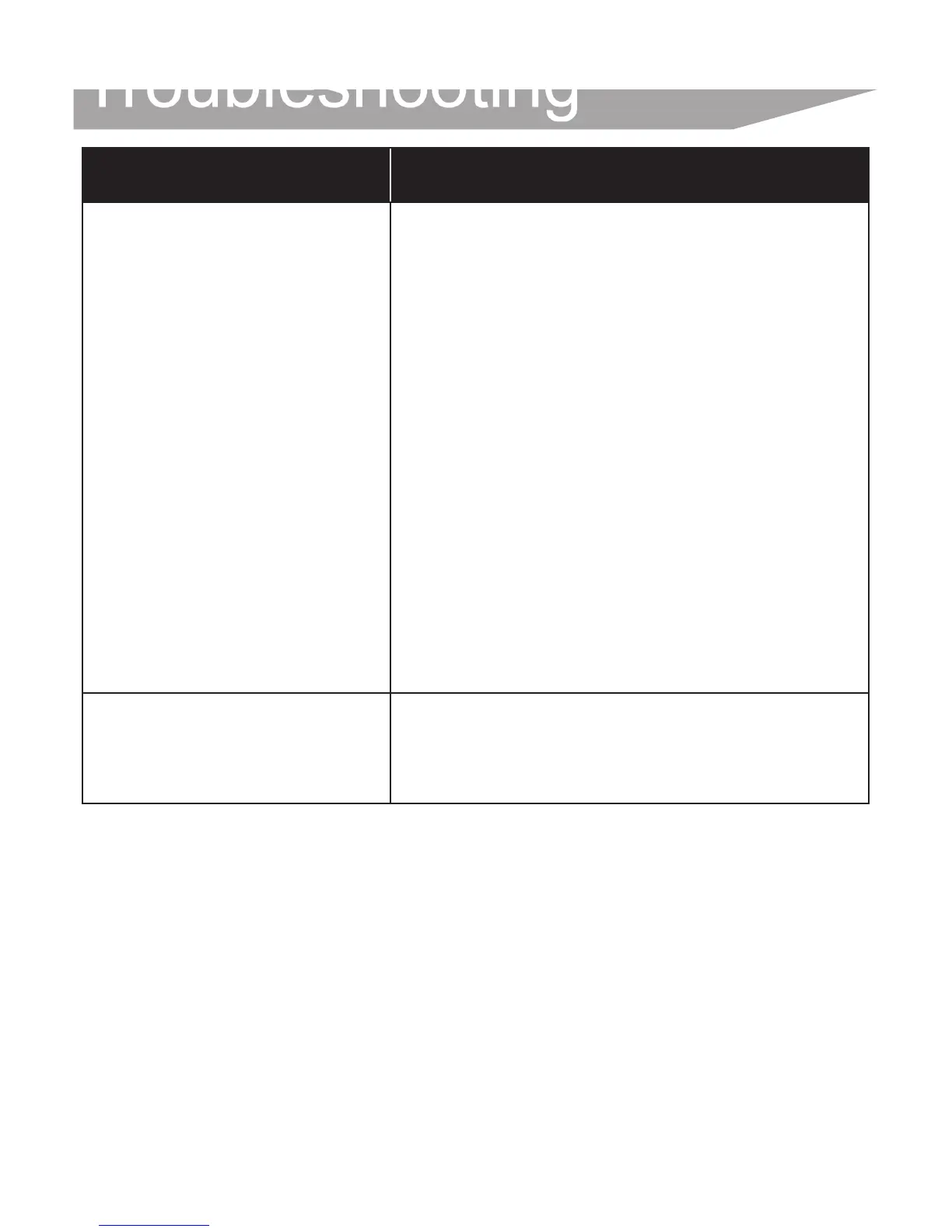
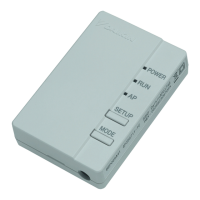
→ If the AP LED is not lit, press the
"Mode" button for 2 seconds to
switch to AP mode.
→ If the AP LED is blinking, please wait
until the AP LED is lit (approximately
1 minute). The WLAN adapter is still
starting up.
→ If the AP LED is lit, switch to RUN
mode by pressing the MODE button
for two seconds. Now switch back
to AP mode by pressing the MODE
button again for two seconds. This
changes the wireless channel
on which the WLAN adapter
is operating.
Repeat if necessary.
None of the above work → Refer to the FAQ on:
http://www.onlinecontroller.
daikineurope.com
Troubleshooting



 To Next Page