7 Configuration
Installation manual
14
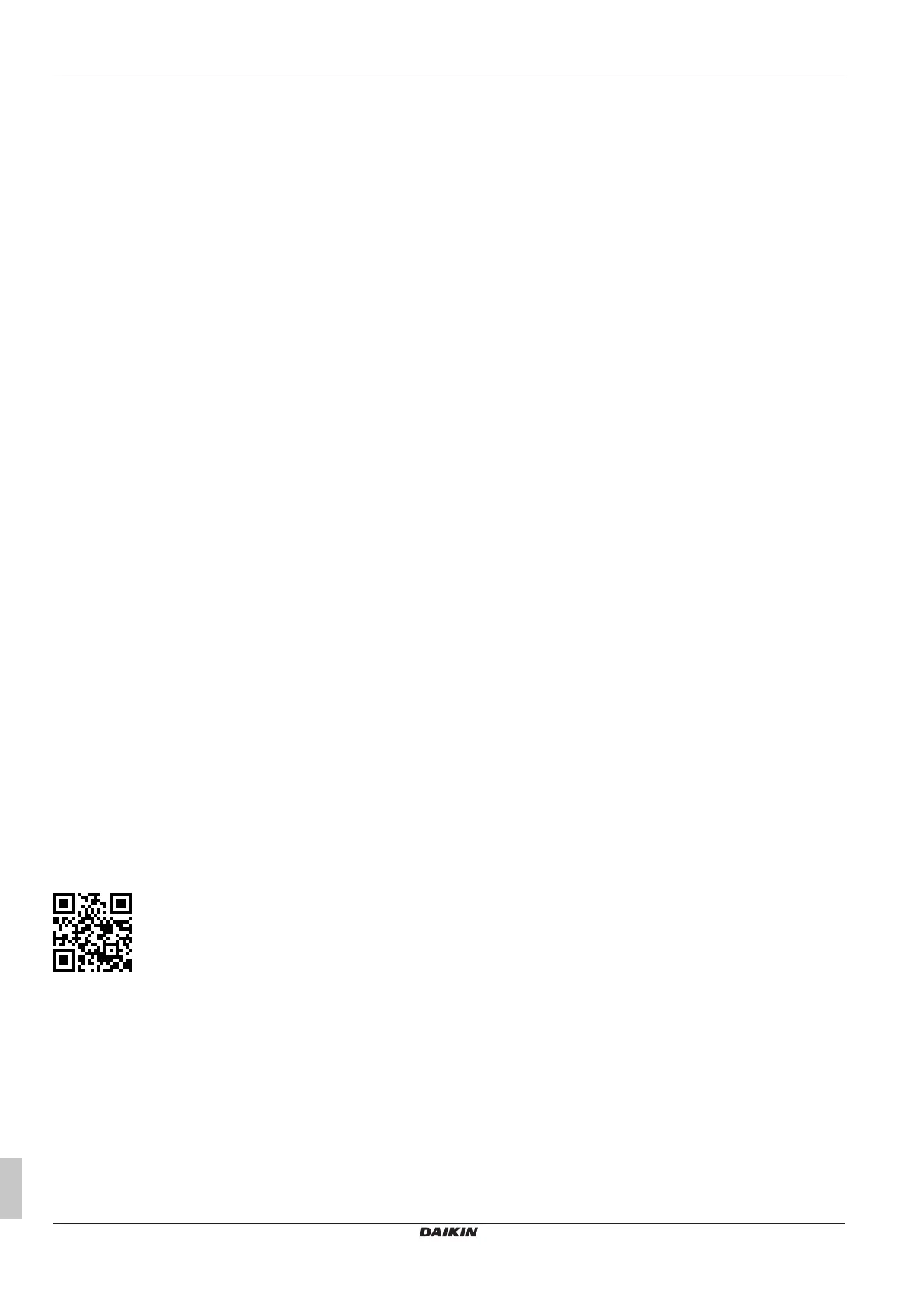
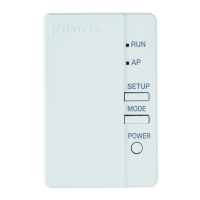
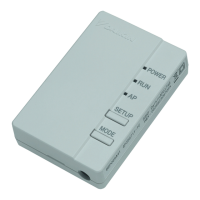
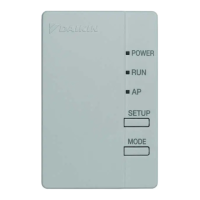
BRP069C51, BRP069C81, BRP069C82
Wireless LAN connecting adapter BRP069C41
4P567679-2H – 2022.04
7 Configuration
The customer is responsible for providing:
▪ Smartphone or tablet with minimum supported version of Android or
iOS, specified on app.daikineurope.com.
▪ Internet line and communication device, such as a modem, router,
etc.
▪ Wireless LAN access point
▪ Installed free ONECTA application.
7.1 To install the ONECTA app
1 Open:
▪ Google Play for appliances using Android.
▪ App Store for appliances using iOS.
2 Search for “ONECTA”.
3 Follow the directions on the screen to install.
7.2 To configure the adapter
Open the ONECTA application on your smartphone or tablet PC and
follow the in-app instructions.
For this Wireless LAN adapter, WPS configurator is available, follow the
in-app instructions.
app.daikineurope.com
8 Hand-over to the user
After having installed and configured the adapter, hand over this
installation manual to the user and make him/her aware of the following
safety precautions.



 To Next Page