Operation manual
4
CMSQ200+250A7W1B
Air conditioning system
4PW47628-1
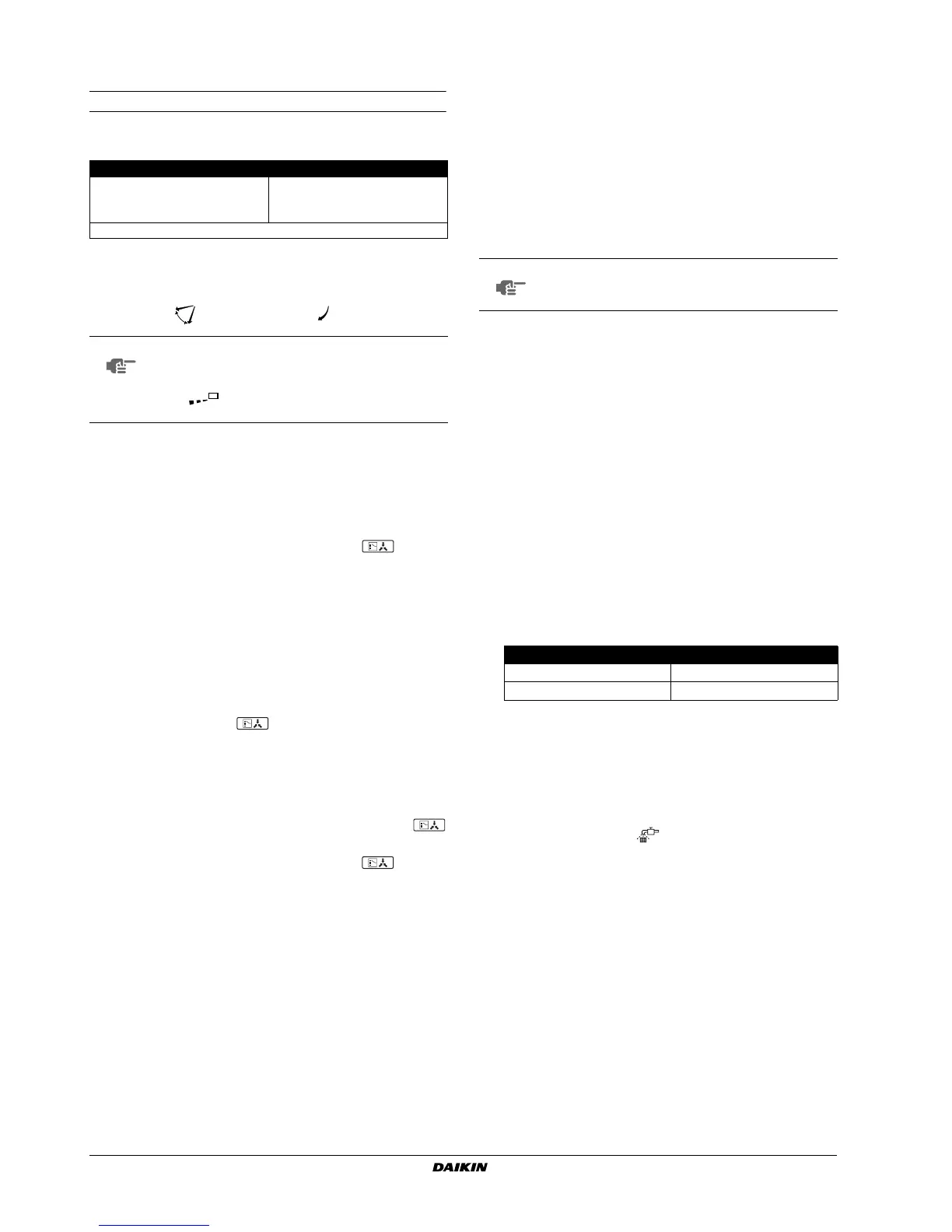
6.3. Adjusting the air flow direction
Refer to the operation manual of the remote controller.
Movement of the air flow flap
For the following conditions, a micro computer controls the air flow
direction which may be different from the display.
The air flow direction can be adjusted in one of the following ways.
■ The air flow flap itself adjusts its position.
■ The air flow direction can be fixed by the user.
■ Automatic " " and desired position " ".
6.4. Setting the master remote controller
When the system is installed as shown in figure 2, it is necessary to
designate one of the remote controllers as the master remote
controller.
■ Only the master remote controller can select heating or cooling.
■ The displays of slave remote controllers show (change-
over under centralized control) and slave remote controllers
automatically follow the operation mode directed by the master
remote controller.
However, it is possible to changeover to program dry with slave
remote controllers if the system is in cooling operation set by the
master remote controller.
How to designate the master remote controller
1 Press the operation mode selector button of the current master
remote controller for 4 seconds.
The display showing (change-over under centralized
control) of all slave remote controllers connected to the same
outdoor unit flash.
2 Press the operation mode selector button of the controller that
you wish to designate as the master remote controller. Then
designation is completed. This remote controller is designated
as the master remote controller and the display showing
(change-over under centralized control) vanishes.
The displays of other remote controllers show (change-
over under centralized control).
6.5. Precautions for group control system or two
remote controller control system
This system provides two other control systems beside individual
control (one remote controller controls one indoor unit) system.
Confirm the following if your unit is of the following control system
type.
■ Group control system
One remote controller controls up to 4 indoor units. All indoor
units are equally set.
■ Two remote controller control system
Two remote controllers control one indoor unit (in case of group
control system, one group of indoor units). The unit is
individually operated.
7. ENERGY SAVING AND OPTIMUM
OPERATION
Observe the following precautions to ensure the system operates
properly.
■ Adjust the air outlet properly and avoid direct air flow to room
inhabitants.
■ Adjust the room temperature properly for a comfortable
environment. Avoid excessive heating or cooling.
■ Prevent direct sunlight from entering a room during cooling
operation by using curtains or blinds.
■ Ventilate often.
Extended use requires special attention to ventilation.
■ Keep doors and windows closed. If the doors and windows
remain open, air will flow out of your room causing a decrease in
the cooling or heating effect.
■ Be careful not to cool or heat too much. To save energy, keep
the temperature setting at a moderate level.
■ Never place objects near the air inlet or the air outlet of the unit.
It may cause deterioration in the effect or stop the operation.
■ Turn off the main power supply switch to the unit when the unit is
not used for longer periods of time. If the switch is on, it uses
electricity. Before restarting the unit, turn on the main power
supply switch 6 hours before operation to ensure smooth
running. (Refer to "Maintenance" in the indoor unit manual.)
■ When the display shows (time to clean the air filter), ask a
qualified service person to clean the filters. (Refer to
"Maintenance" in the indoor unit manual.)
■ Keep the indoor unit and remote control at least 1 m away from
televisions, radios, stereos, and other similar equipment.
Failing to do so may cause static or distorted pictures.
■ Do not place items under the indoor unit which may be damaged
by water.
Condensation may form if the humidity is above 80% or if the
drain outlet gets blocked.
COOLING HEATING
•When the room temperature is lower than
the set temperature.
•When starting operation.
•When the room temperature is higher than
the set temperature.
• At defrost operation.
•When operating continuously at horizontal air flow direction.
NOTE
■ The movable limit of the flap is changeable.
Contact your dealer for details.
■ Avoid operating in the horizontal direction
"". It may cause dew or dust to settle on the
ceiling.
NOTE
Contact your dealer in case of changing the
combination or setting of group control and two remote
controller control systems.
Recommended temperature setting
For cooling 26~28°C
For heating 20~24°C



 To Next Page