5 | Operation
User reference guide
37
EHSH/X(B)04+08P30+50EF
Daikin Altherma 3 R ECH₂O
4P678719-1 – 2021.11
To program the schedule: overview
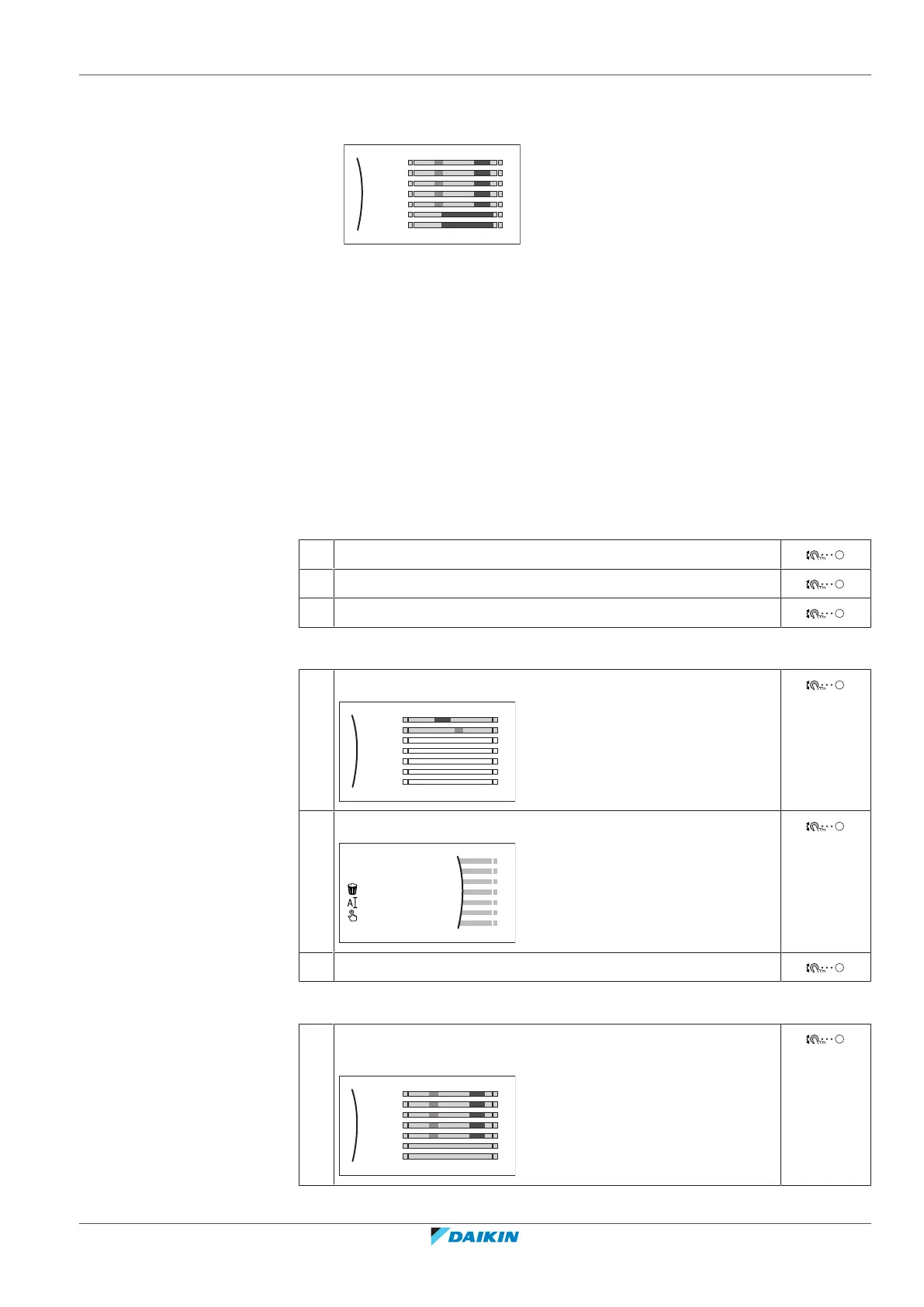
Example: You want to program the following schedule:
Mon
Sat
Wed
Fri
Thu
Tue
Sun
User defined 1
Prerequisite: The room temperature schedule is only available if room thermostat
control is active. If leaving water temperature control is active, you can program
the main zone schedule instead.
1 Go to the schedule.
2 (optional) Clear the content of the whole week schedule or the content of a
selected day schedule.
3 Program the schedule for Monday.
4 Copy the schedule to the other weekdays.
5 Program the schedule for Saturday and copy it to Sunday.
6 Give the schedule a name.
To go to the schedule
1 Go to [1.1]: Room > Schedule.
2 Set scheduling to Yes.
3 Go to [1.2]: Room > Heating schedule.
To clear the content of the week schedule
1 Select the name of the current schedule.
Mon
Sat
Wed
Fri
Thu
Tue
Sun
User defined 1
2 Select Delete.
3 Select OK to confirm.
To clear the content of a day schedule
1 Select the day of which you want to clear the content. For
example Friday
Mon
Sat
Wed
Fri
Thu
Tue
Sun
User defined 1
C




 To Next Page