5 | Operation
User reference guide
49
EHSH/X(B)04+08P30+50EF
Daikin Altherma 3 R ECH₂O
4P678719-1 – 2021.11
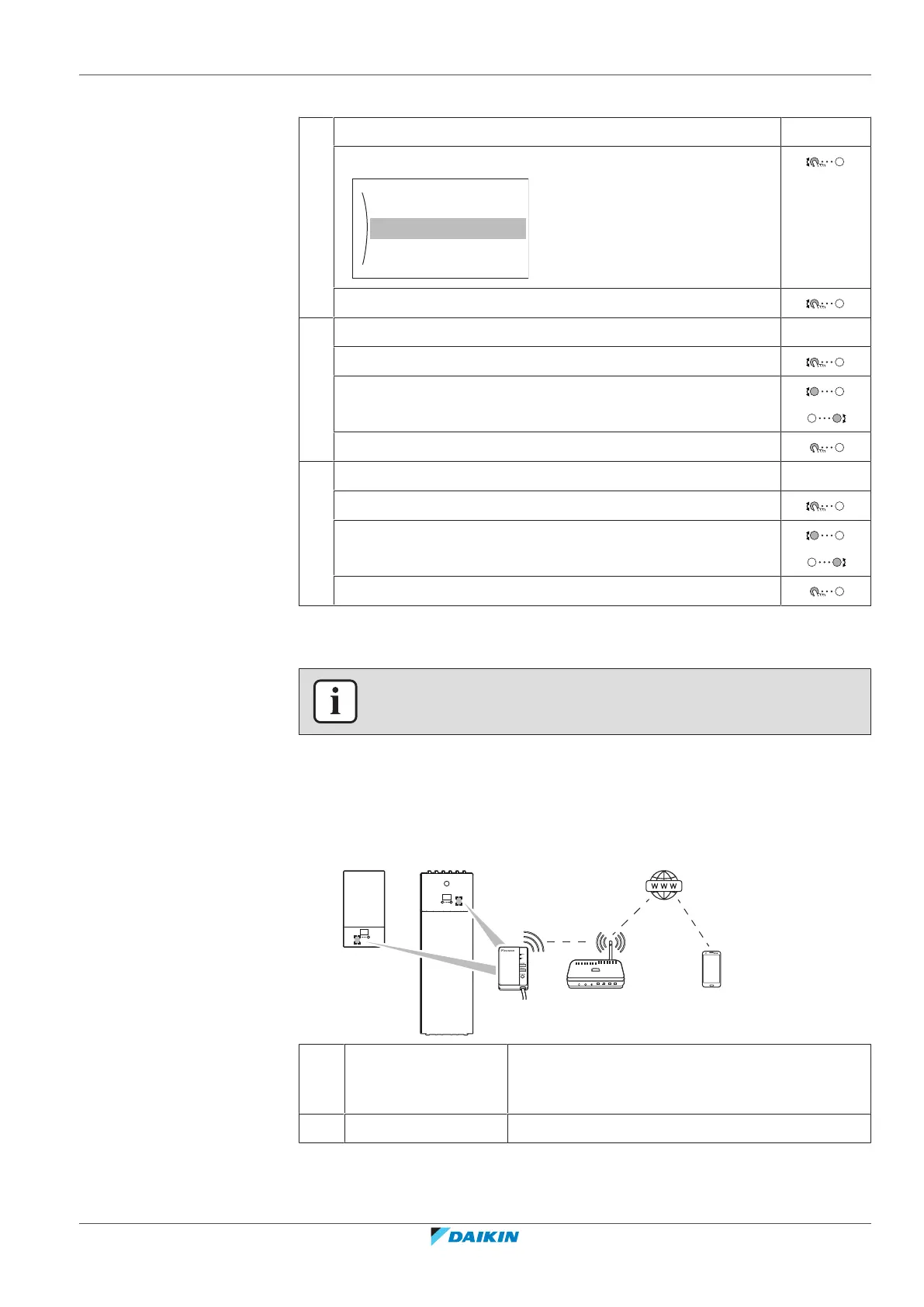
To configure the holiday
1 Activate the holiday mode. —
▪ Go to [7.3.1]: User settings > Holiday > Activation.
▪ Select On.
2 Set the first day of your holiday. —
▪ Go to [7.3.2]: From.
▪ Select a date.
▪ Confirm the changes.
3 Set the last day of your holiday. —
▪ Go to [7.3.3]: Till.
▪ Select a date.
▪ Confirm the changes.
5.10.4 Using WLAN
INFORMATION
Restriction: WLAN settings are only visible when a WLAN module is installed.
About the WLAN module
The wireless LAN module connects the heat pump system to the internet. As user
you can then control the heat pump system via the Daikin Residential Controller
app.
This needs the following components:
a WLAN module The WLAN module needs to be installed by the
installer on the indoor unit (on the inside of the
front panel).
b Router Field supply.




 To Next Page