English 4
Refer to figure 1 on page [1]
•
To protect the unit, turn on the main power switch
6 hours before operation.
•
Do not turn off the main power supply during
operation season. Because the air conditioner is
smoothly started.
Operate in the following order.
OPERATION MODE SELEC-
TOR
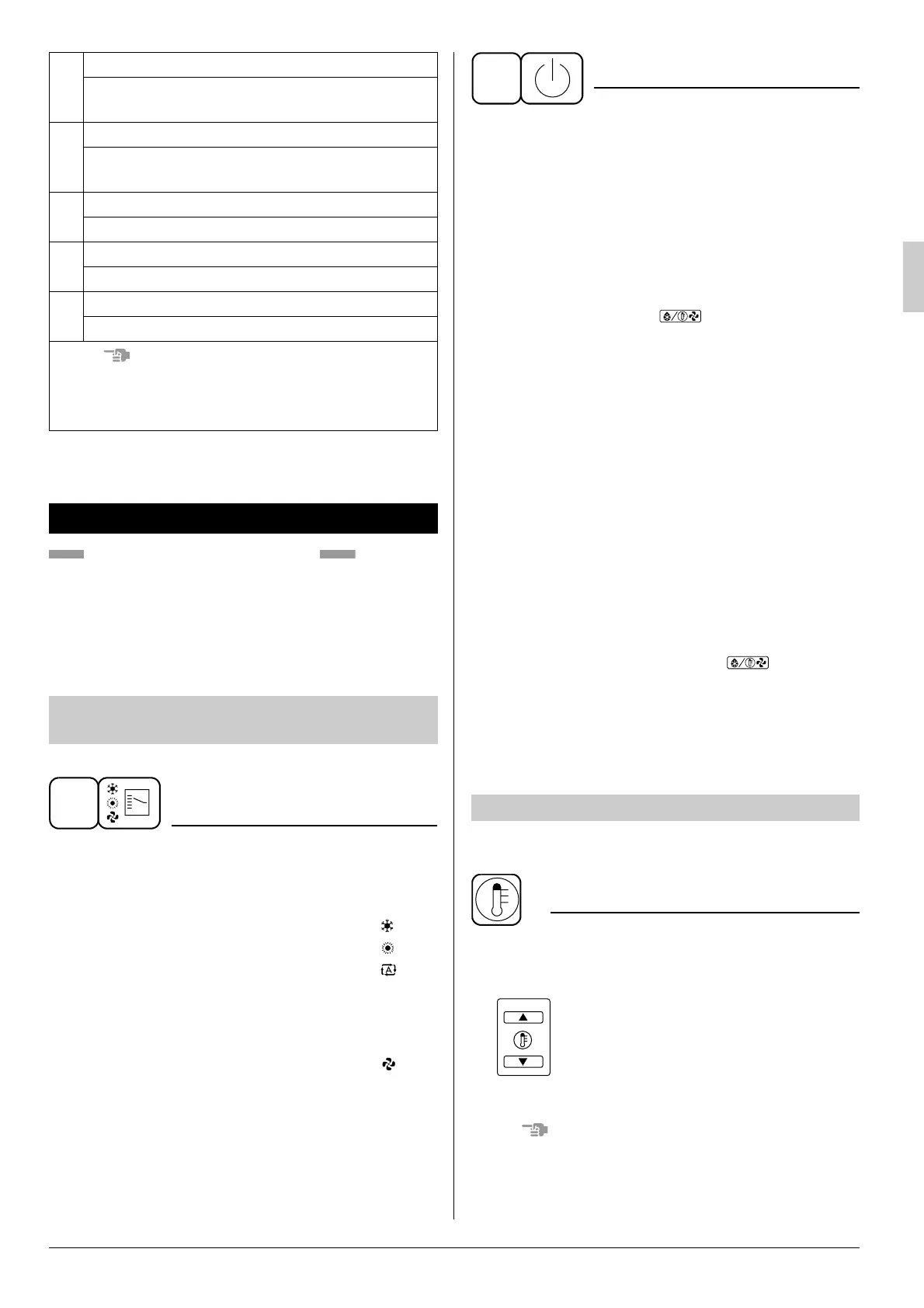
Press OPERATION MODE SELECTOR but-
ton several times and select the OPERATION
MODE of your choice as follows.
■ COOLING OPERATION ........................ “”
■ HEATING OPERATION ......................... “”
■ AUTOMATIC OPERATION..................... “”
•
In this operation mode, COOL/HEAT
changeover is automatically conducted.
(not available to FDY15, 20 type)
■ FAN OPERATION .................................. “”
14
INSPECTION/TEST OPERATION BUTTON
This button is used only by qualified service
persons for maintenance purposes.
15
PROGRAMMING TIME BUTTON
Use this button for programming “START and/
or STOP” time.
16
TEMPERATURE SETTING BUTTON
Use this button for SETTING TEMPERATURE.
17
FILTER SIGN RESET BUTTON
Not applied on this model.
18
OPERATION MODE SELECTOR BUTTON
Press this button to select OPERATION MODE.
NOTE
•
For the sake of explanation, all indications are
shown on the display in Figure 1 contrary to
actual running situations.
6. OPERATION PROCEDURE
COOLING, HEATING, AUTOMATIC, AND
FAN OPERATION
1
ON/OFF
Press ON/OFF button
OPERATION lamp lights up and the system starts
OPERATION.
[EXPLANATION OF HEATING OPERATION]
DEFROST OPERATION
•
As the frost on the coil of an outdoor unit increase,
heating effect decreases and the system goes
into DEFROST OPERATION.
•
During DEFROST OPERATION the remote con-
troller display shows “” and there are
cases where the indoor unit fan stops.
•
After 6 to 8 minutes (maximum 10 minutes) of
DEFROST OPERATION, the system returns to
H E ATI N G O P E R AT I O N .
Regarding outside air temperature and heat-
ing capacity
•
The heating capacity of the air conditioner
declines as the outside air temperature falls. In
such a case, use the air conditioner in combina-
tion with other heating systems.
•
A warm air circulating system is employed, and
therefore it takes some time until the entire room
is warmed up after the start of operation.
•
An indoor fan runs to discharge a gentle wind
automatically until the temperature inside the air
conditioner reaches a certain level. At this time,
the remote controller displays “”. Leave it
as it stands and wait for a while.
•
When the warm air stays under the ceiling and
your feet are cold, we recommend that you use a
circulator (a fan to circulate the air inside the
room). For details, consult your dealer.
For programming TEMPERATURE, follow the pro-
cedure shown below.
TEMPERATURE SETTING
Press TEMPERATURE SETTING button and
program the setting temperature.
Each time this button is pressed, setting
temperature rises 1°C.
Each time this button is pressed, setting
temperature lowers 1°C.
•
The setting is impossible for fan operation.
NOTE
•
The setting temperature range of the remote controller.
COOLING OPERATION ............ 18 to 35 °C
HEATING OPERATION ............. 15 to 30 °C
2
ADJUSTMENT



 To Next Page