11
■
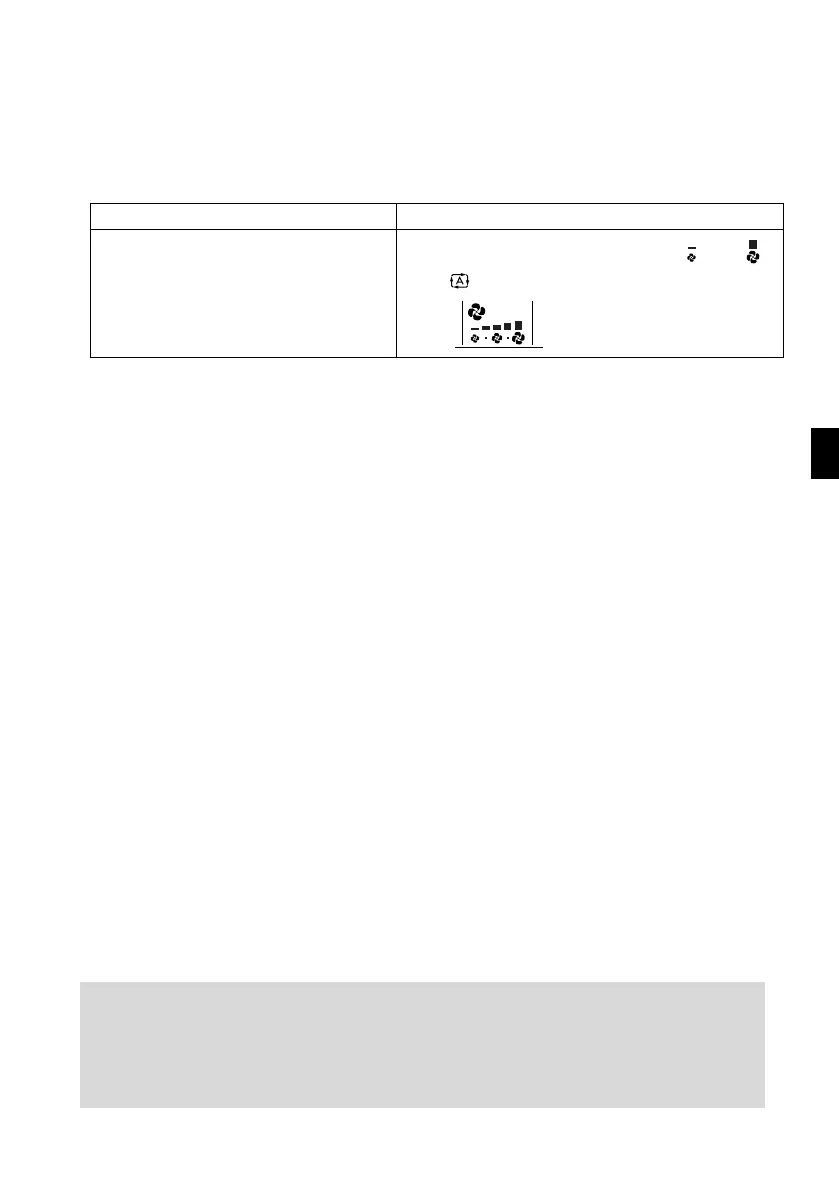
To change the air flow rate setting
5. Press “FAN setting button”.
■
To change the air flow direction
(page 12.)
NOTE
DRY mode COOL or FAN mode
The air flow rate setting is not variable.
Five levels of air flow rate setting from “ ” to “ ”
plus “ ” are available.
■ Note on DRY operation
• The computer chip works to rid the room of humidity while maintaining the temperature as
much as possible. It automatically controls temperature and fan strength, so manual adjust-
ment of these functions is unavailable.
■ Note on air flow rate setting
•
At smaller air flow rates, the cooling effect is also smaller.



 To Next Page