EasyManua.ls Logo

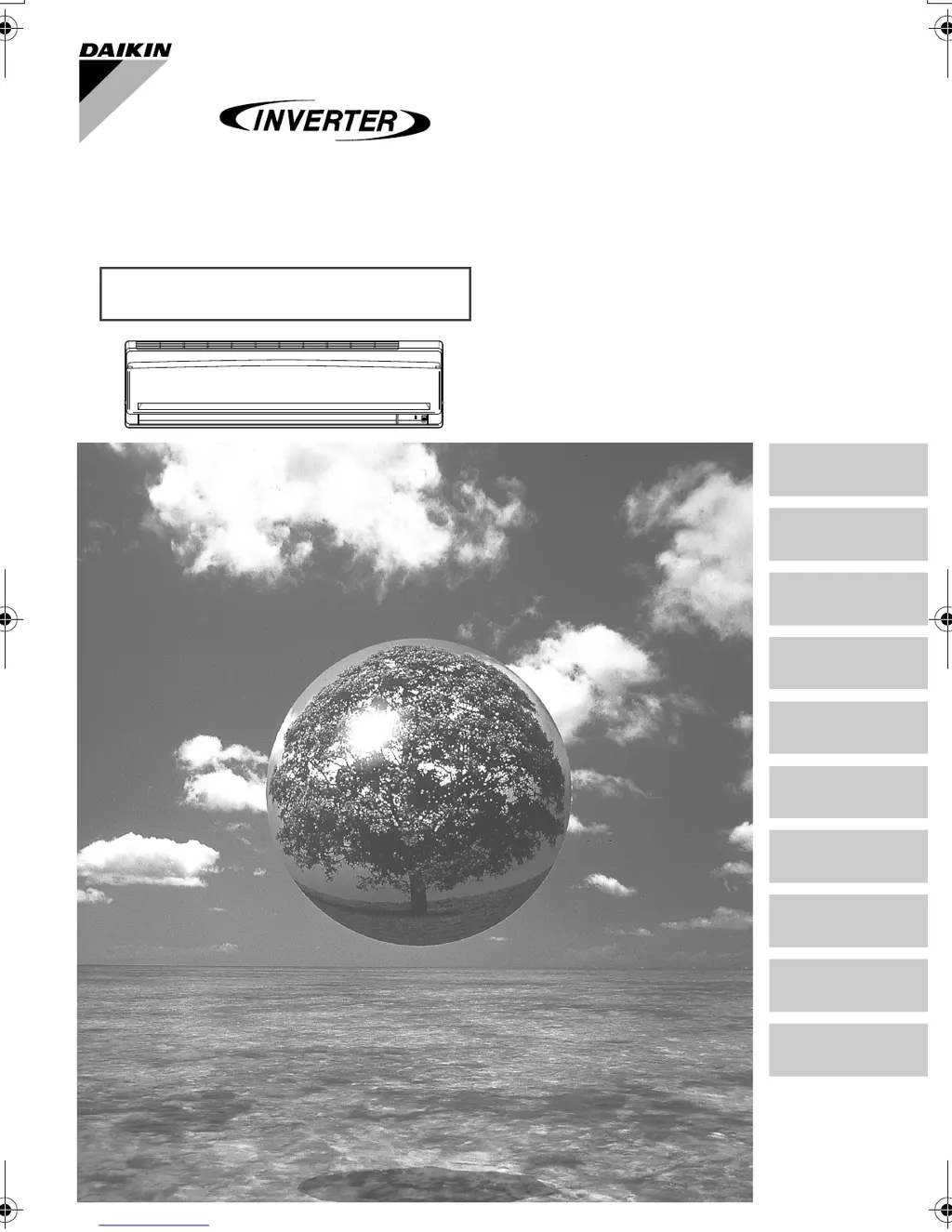
Daikin FTX71GV1B - User Manual

Daikin FTX71GV1B
30 pages
Print Icon
To Next Page IconTo Next Page
Loading...
Deutsch
English
Français
Nederlands
Español
Italiano
ΕλληνικÜ
Portugues
Рóссêий
MODELS FTX50GV1B
FTX60GV1B
FTX71GV1B
DAIKIN ROOM AIR CONDITIONER
Operation Manual
Türkçe
00_CV_3P190111-3D.fm Page 1 Monday, November 16, 2009 5:57 PM

Other manuals for Daikin FTX71GV1B

Questions and Answers

Summary

Safety Precautions

Installation Site Requirements

Electrical Work and System Relocation

Names of Parts

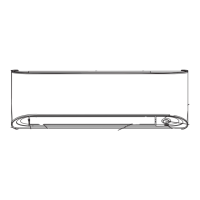
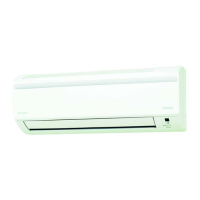
Indoor Unit Components

Details of the indoor unit's parts, sensors, indicators, and controls.

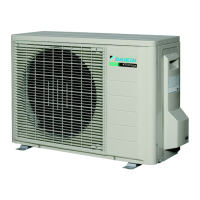
Outdoor Unit Components

Details of the outdoor unit's parts, connections, and terminals.

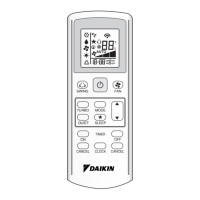
Remote Controller Functions

Basic Operation Buttons

ON/OFF, Mode, Temperature, and Fan controls for daily operation.

Special Function and Timer Buttons

Buttons for HOME LEAVE, POWERFUL, QUIET, SENSOR, SWING, and Timer operations.

Preparation Before Operation

To Set the Batteries

Instructions for inserting batteries into the remote controller.

Remote Controller Usage and Holder Mounting

Guidelines for using the remote and mounting its holder.

Setting the Clock

Turning Breaker ON and Energy Saving Tips

Operation Modes

To Start, Stop, and Change Temperature

How to select modes, start/stop, and adjust temperature settings.

Air Flow Rate Settings and Mode Notes

To Change Air Flow Rate

How to adjust the fan speed setting.

Mode-Specific Operation Notes

Important details for HEAT, COOL, DRY, and AUTO modes.

Adjusting Air Flow Direction

Horizontal Blade (Flap) Adjustment

How to control the horizontal flap swing for comfort.

Vertical Blades (Louvers) Adjustment

How to control the vertical louver swing for comfort.

3-D Airflow Control

To Activate and Cancel 3-D Airflow

Instructions for enabling and disabling combined airflow.

Louver and Flap Angle Notes

POWERFUL Operation

Starting and Canceling POWERFUL Operation

Steps to activate and deactivate the maximum capacity mode.

Notes on POWERFUL Operation

Compatibility and limitations of POWERFUL operation.

OUTDOOR UNIT QUIET Operation

Starting and Canceling QUIET Operation

Steps to activate and deactivate the quiet mode for the outdoor unit.

Notes on QUIET Operation

Availability and compatibility of the quiet operation feature.

HOME LEAVE Operation

Starting and Canceling HOME LEAVE

Steps to activate and deactivate the recorded favorite settings.

Setting HOME LEAVE Preferences

How to record preferred temperature and air flow rate settings.

Understanding HOME LEAVE Operation

Energy Saving and Favorite Mode Usage

Scenarios for using HOME LEAVE for energy saving and personal preference.

Notes on HOME LEAVE Operation

Availability, compatibility, and operational notes for HOME LEAVE.

INTELLIGENT EYE Operation

Starting and Canceling INTELLIGENT EYE

Steps to activate and deactivate the sensor-based operation.

Intelligent Eye Operation Logic

How the unit operates based on human presence detection.

Intelligent Eye Energy Saving

Energy Saving Adjustments

Specific temperature and airflow changes for energy savings.

Intelligent Eye Notes and Limitations

Sensor detection range, limitations, and operational conflicts.

TIMER Operation

Setting and Canceling OFF Timer

Steps to set and cancel the timer to turn the unit off.

Night Set Mode Details

Automatic temperature adjustment for comfortable sleep.

ON Timer Operation and Combinations

Setting and Canceling ON Timer

Steps to set and cancel the timer to turn the unit on.

Combining ON and OFF Timers

Example of setting both timers for scheduled operation.

Care and Cleaning

Safety Precautions for Cleaning

Critical safety warnings before performing any cleaning.

Cleaning the Unit and Front Panel

Instructions for basic unit cleaning and front panel maintenance.

Filter Maintenance

Cleaning Air Filters

How to clean or vacuum the main air filters.

Air-Purifying Filter Maintenance and Replacement

Maintenance and replacement procedures for the special air filter.

Filter Notes, Checks, and Idle Period Prep

Effects of Dirty Filters and Operational Checks

Consequences of dirty filters and essential operational checks.

Preparation for Long Idle Period

Steps for preparing the unit for extended periods of non-use.

Troubleshooting Common Issues

Normal Operations Mistaken for Troubles

Clarification of common behaviors that are not actual malfunctions.

Pre-Service Checks

Essential checks to perform before contacting customer support.

Further Troubleshooting and Checks

More Normal Operations

Additional common situations that are not unit troubles.

Specific Problem Checks

Detailed checks for common operational problems like no operation or poor effect.

Urgent Service and Warnings

Critical Warnings and Service Needs

Safety warnings and symptoms requiring immediate professional attention.

Unit Disposal and Maintenance

Disposal Requirements and Refrigerant Information

Guidelines for unit disposal, maintenance, and refrigerant details.

Fault Diagnosis Methods

Remote Controller Diagnosis

How to use the remote controller to initiate fault diagnosis.

Understanding Error Codes

A list of diagnostic error codes and their meanings.

Daikin FTX71GV1B Specifications

General IconGeneral
Cooling Capacity7.1 kW
Heating Capacity8.0 kW
Indoor Unit Dimensions (W x H x D)1, 100 x 300 x 240 mm
Outdoor Unit Dimensions (W x H x D)900 x 825 x 300 mm
Energy Efficiency Ratio (Cooling)3.21
Energy Efficiency Ratio (Heating)3.61
TypeSplit System
Power Supply220-240 V, 50 Hz
RefrigerantR-410A

Related product manuals