EasyManua.ls Logo

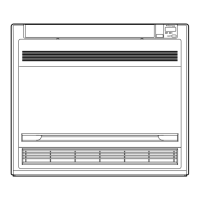
Daikin FVXS25GV1A - User Manual

Daikin FVXS25GV1A
34 pages
Print Icon
To Next Page IconTo Next Page
Loading...
MODELS
FVXS25GV1A FVXS50GV1A
FVXS35GV1A
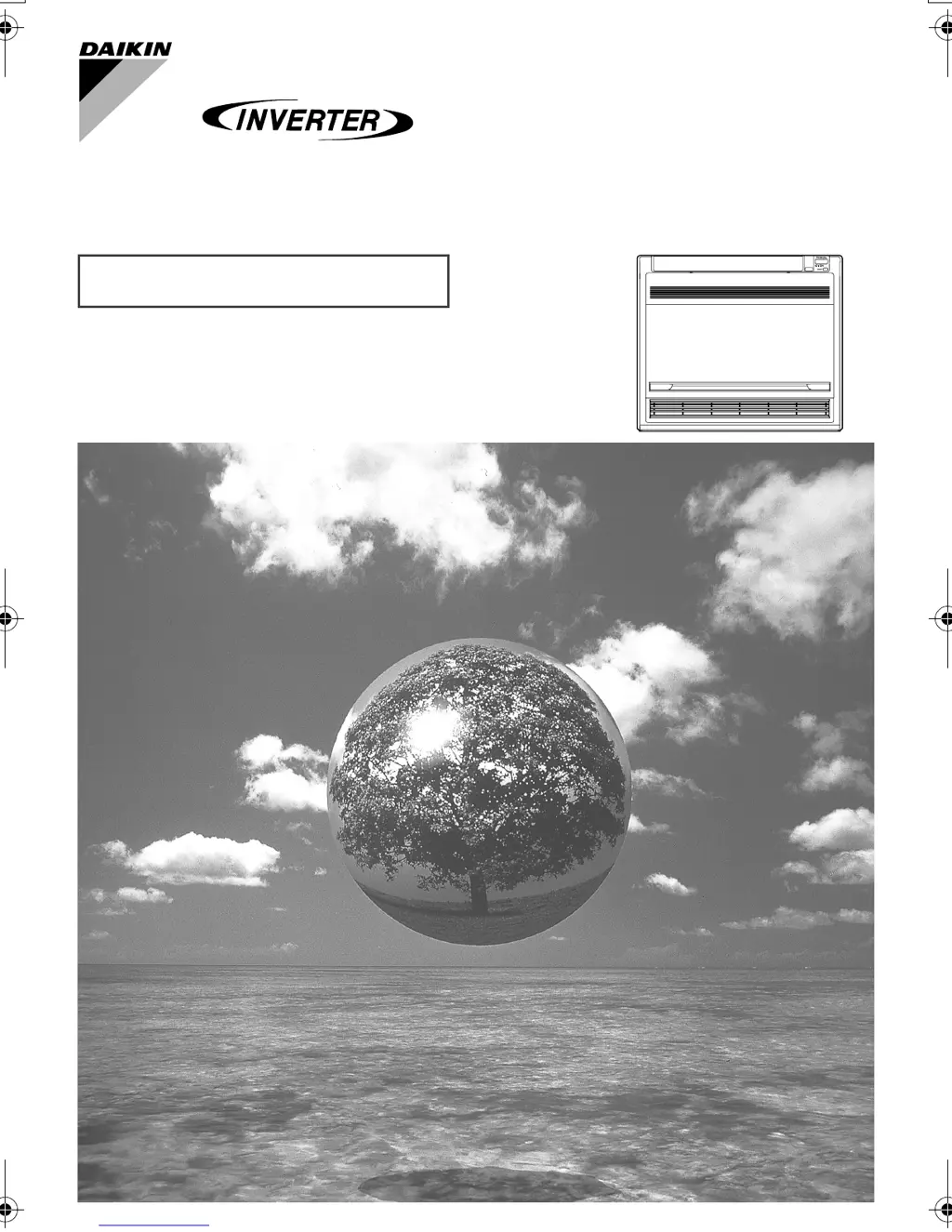
DAIKIN ROOM AIR CONDITIONER
Operation Manual
00_CV_3P232453-1.fm Page 1 Wednesday, June 4, 2008 3:09 PM

Questions and Answers

  • A
    Amanda HodgesAug 11, 2025
    What to do if Daikin Air Conditioner operation stops suddenly and the OPERATION lamp flashes?
    • A
      Ashley HerreraAug 11, 2025
      If your Daikin Air Conditioner stops suddenly and the OPERATION lamp is flashing, try the following: * Clean the air filters or remove any obstructions, then turn the breaker OFF and then ON again. Try operating the air conditioner with the remote controller. * If the indoor units connected to the outdoor units in the multi system are not in the same operation mode, set all indoor units to the same operation mode and check if the lamps flash. * If the operation mode is set to 'AUTO', temporarily set all indoor unit operation modes to 'COOL' or 'HEAT' and check if the lamps return to normal.
  • C
    Courtney SmithAug 22, 2025
    Why does the ON/OFF TIMER not operate according to the settings on my Daikin Air Conditioner?
    • B
      Benjamin GriffinAug 22, 2025
      The ON/OFF TIMER on your Daikin Air Conditioner may not operate correctly if the ON/OFF TIMER and the WEEKLY TIMER are set to the same time. You can resolve this by changing or disabling the settings in the WEEKLY TIMER.
  • A
    Amanda DennisSep 1, 2025
    How to fix a Daikin FVXS25GV1A remote controller when no signals are displayed?
    • K
      Kayla BakerSep 1, 2025
      If your Daikin Air Conditioner remote controller isn't displaying any signals: * Replace all the batteries with new AAA alkaline batteries. * If there's a reset button, press it after replacing the batteries.

Daikin FVXS25GV1A Specifications

General IconGeneral
BrandDaikin
ModelFVXS25GV1A
CategoryAir Conditioner
LanguageEnglish

Related product manuals