7
Note:
8
6
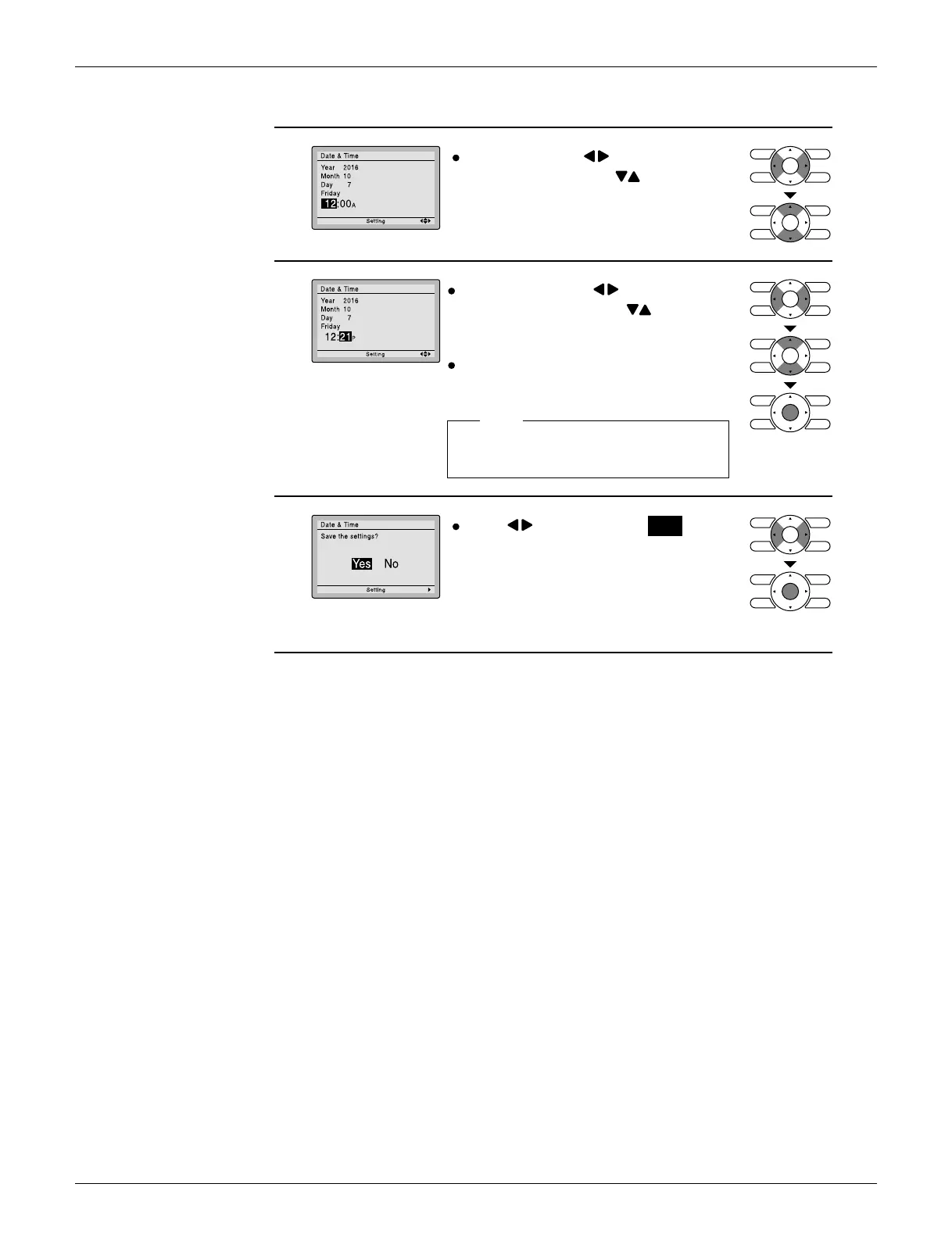
Select Hour with buttons.
Change the hour with buttons.
Holding down the button causes the
number to change continuously.
Select Minute with buttons.
Change the minute with buttons.
Holding down the button causes the
number to change continuously.
Press Menu/OK button.
The confirmation screen will appear.
The date can be set between
January 1, 2015 and December 31, 2099.
Press button to select Yes on the
confirmation screen.
Press Menu/OK button to confirm the
clock and return to the basic screen.
* When setting the schedule, the display returns to
the settings screen.
(R24072)



 To Next Page