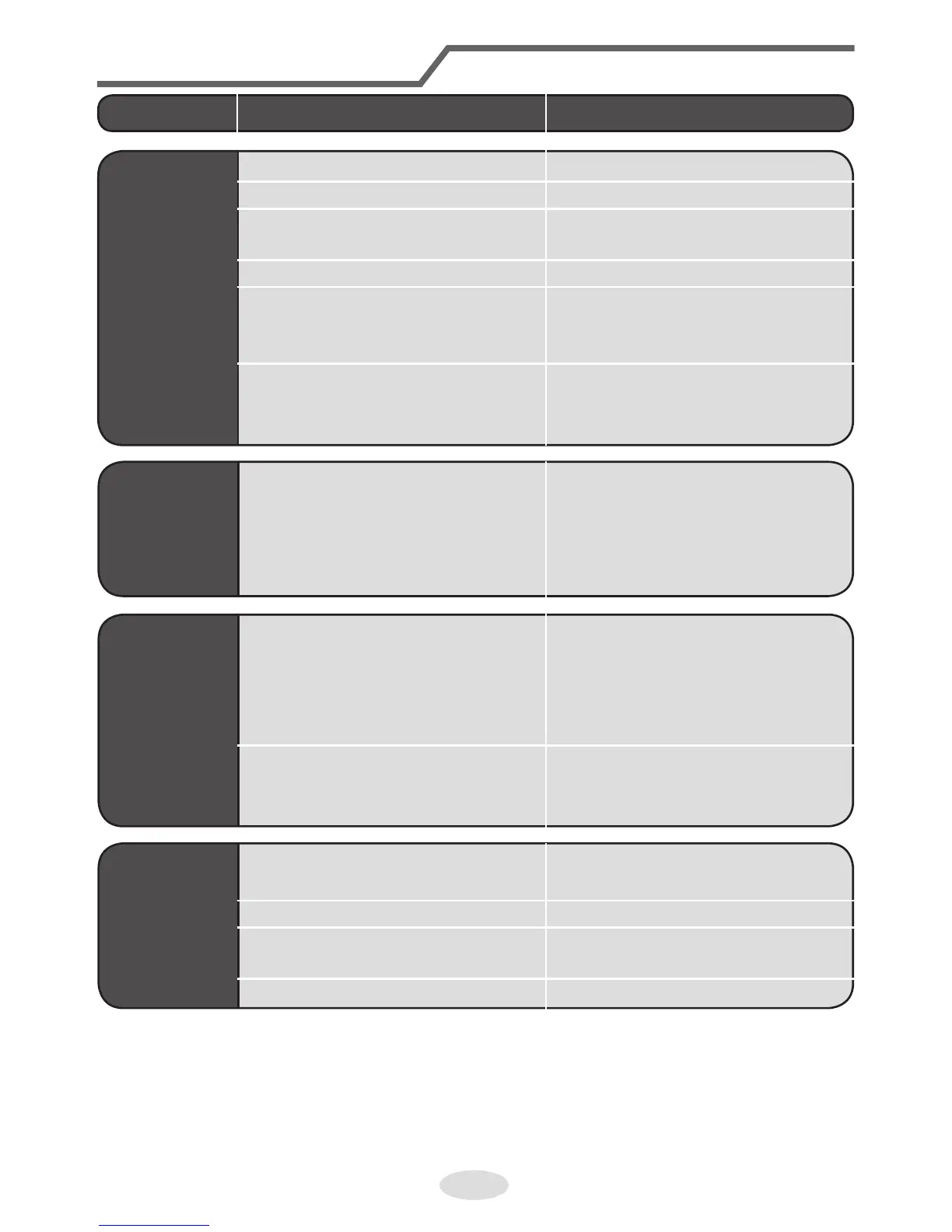
Phenomenon Check items Solution
Air condi-
tioner can’t
operate
● Power failure? ● Wait until power recovery.
● Is plug loose? ● Reinsert the plug.
● Air switch trips off or fuse is
burnt out?
● Ask professional to replace
air switch or fuse.
● Wiring has malfunction? ● Ask professional to replace it.
● Unit has restarted
immediately after stopping
operation?
● Wait for 3 min, and then turn
on the unit again.
● Whether the function setting
for remote controller is
correct?
● Reset the function.
Mist is
emitted from
indoor unit’s
air outlet
● Indoor temperature and
humidity is high?
● Because indoor air is cooled
rapidly. After a while, indoor
temperature and humidity
will be decrease and mist will
disappear.
Set tempera-
ture can’t be
adjusted
● Unit is operating under auto
mode?
● Temperature can’t be
adjusted under auto mode.
Please switch the operation
mode if you need to adjust
temperature.
● Your required temperature
exceeds the set temperature
range?
● Set temperature range:
16ºC ~30ºC.
Cooling
(heating)
effect is not
good.
● Voltage is too low? ● Wait until the voltage
resumes normal.
● Filter is dirty? ● Clean the filter.
● Set temperature is in proper
range?
● Adjust temperature to proper
range.
● Door and window are open? ● Close door and window.



 To Next Page