34
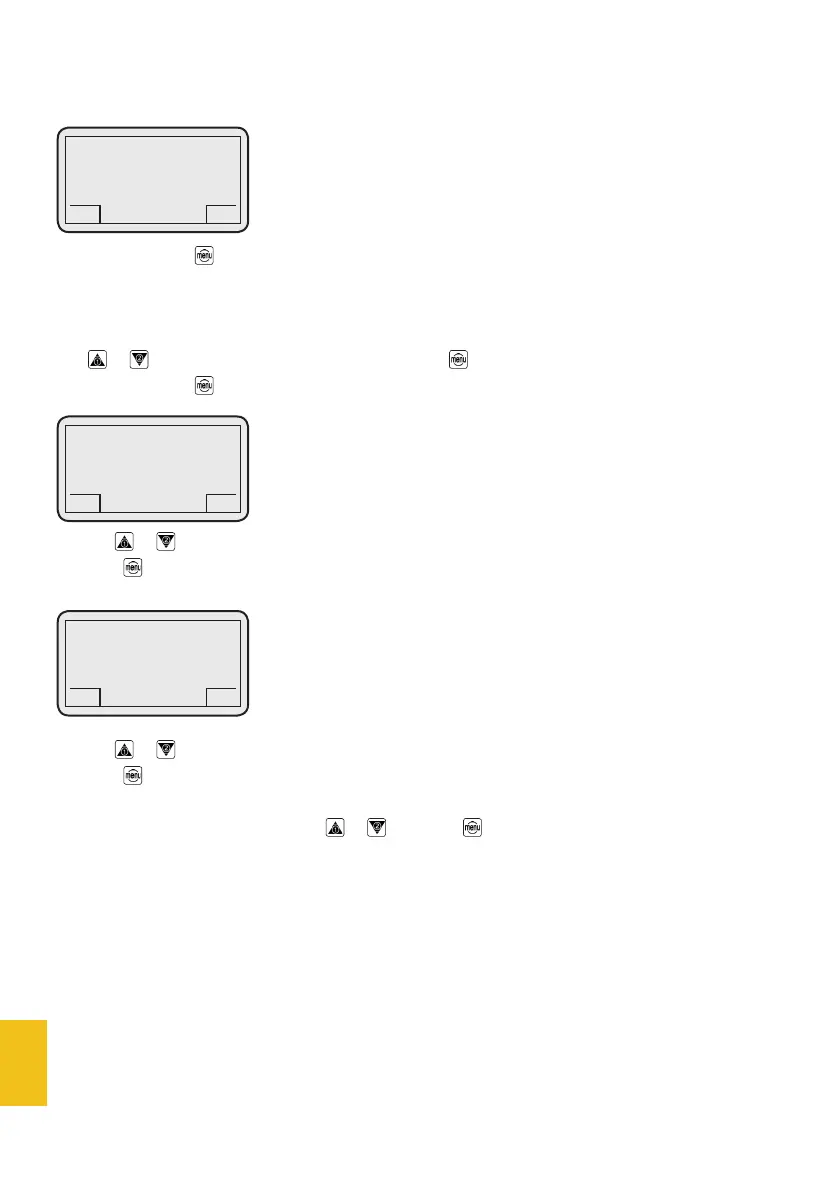
When you push the button, the display will show:
3.1 - Grinder 1
3.2 - Grinder 2
Use or to select the desired menu item and push to enter. The display will show:
When you push the button, the display will show:
Use the or buttons to modify the grinding time (and therefore quantity) of the single dose.
Push the button to confirm and pass to the next setting:
Use the or buttons to modify the grinding time (and therefore quantity) of the double dose.
Push the button to confirm the setting and go back to the previous menu.
You can scroll the menus list by using or ; just push for 3 seconds to go back to the main page.
3. Dose setup
DC-TWO
GCS
Grinder 1
Single
2.000 Secs
GCS
DC-TWO
GCS
Grinder 1
Double
4.000 Secs
GCS
DC-TWO
GCS
3. Dose setup
GCS


 To Next Page