33
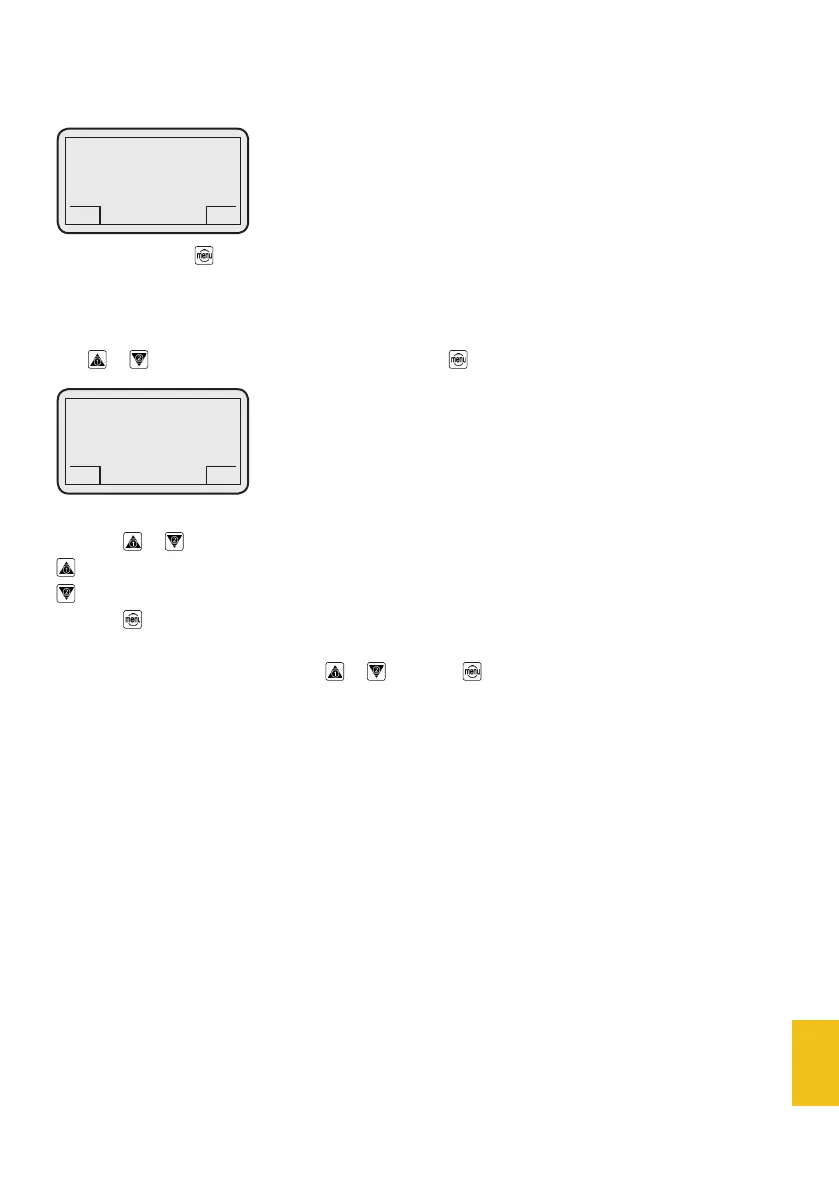
When you push the button, the display will show:
2.1 - Grinder 1
2.2 - Grinder 2
Use or to select the desired menu item and push to enter. The display will show:
Push the or buttons to modify grind fineness.
= finer grind
= coarser grind
Push the button to go back to the menus list.
You can scroll the menus list by using or ; just push for 3 seconds to go back to the main page.
2. Grind adjustment
DC-TWO
GCS
Grinder 1
no = 15
< >
GCS
DC-TWO
GCS
2. Grind adjustment
GCS


 To Next Page