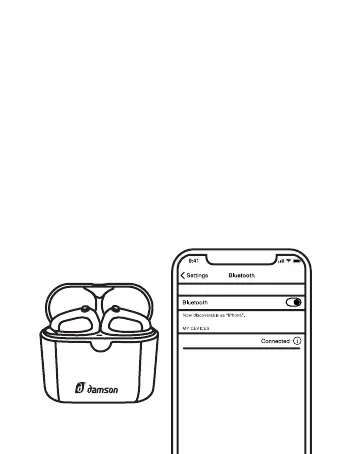
5. Place the HearBuds back into their
charging case until the red led turns on.
6. Take them out. The HearBuds will both
flash blue a couple of times and then the left
HearBud will flash alternatively.
7. Connect to your smart device. Your Hear-
Buds should now be reconnected to each
other and your device.
HearBuds


 To Next Page