RESET YOUR HEARBUDS
This is the procedure to follow if the Damson
HearBuds are both showing in the device’s
connection.
This is the process to undertake to reset the
HearBuds:
1. Ensure the HearBuds are charged.
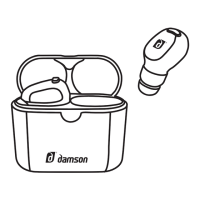
2. Remove both HearBuds from
the charging case.
3. Press and hold the button on both Hearbuds
until the LED flashes alternatively red/blue
twice and then stop.
4. Return the HearBuds to the charging case.
Wait until both LED’s are solid red. Remove
and pair as normal.


 To Next Page