43
Quick Start
3
42
10
11
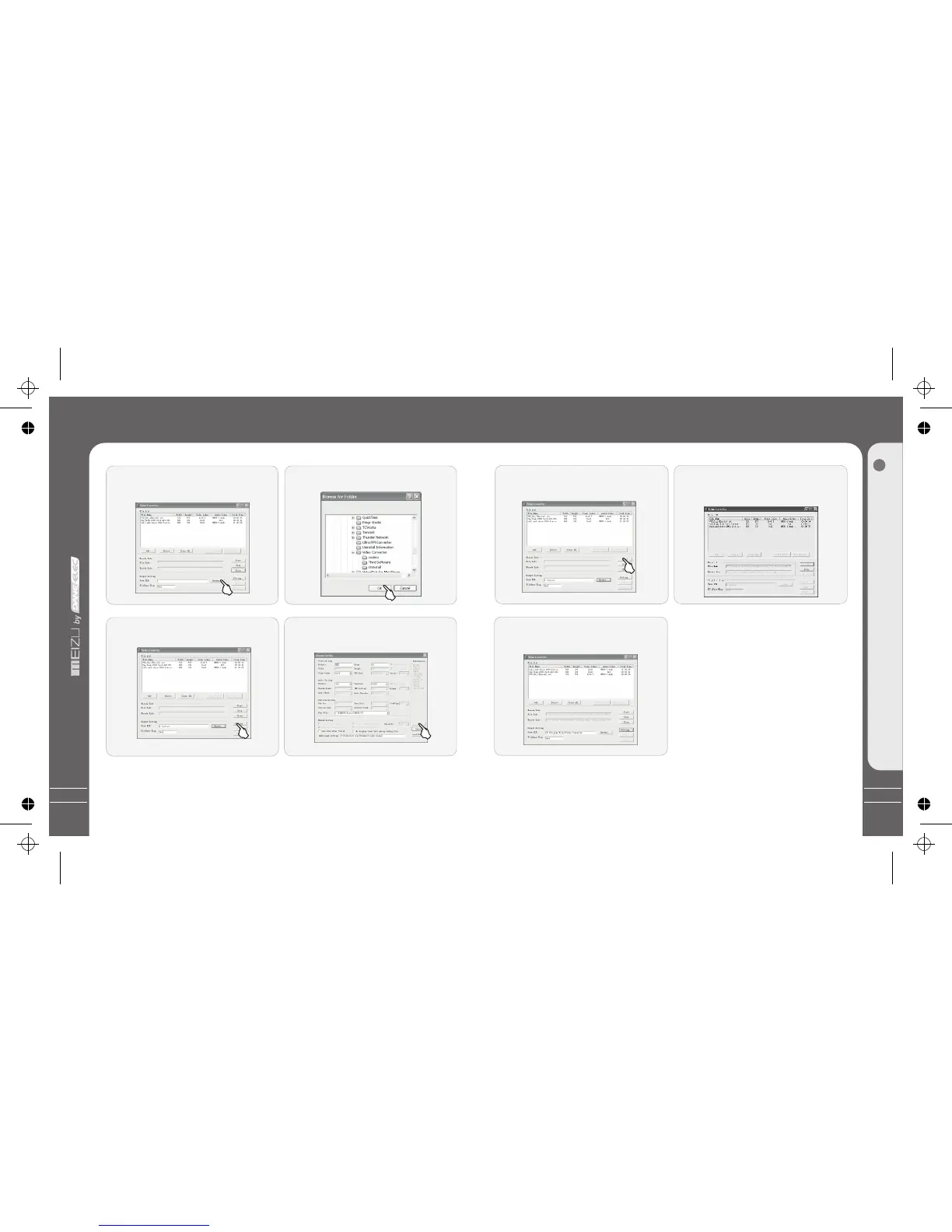
After finishing converting, click the
[Close] button and finish it.
6
Converting Video Files
Click [Styles[, you can set the styles,
click [OK] and apply it.
It will take you some time to convert
the file. During this process, only the
[Stop] button is valid for you.
Note:
1. The converted size is 320*240, the
converting time is depended on the size of
the original file. The quality is related to
your setting values.
2. The BitRate of Video is 200~500, Frame
is 15~20.
3. The subtitle file and video file should
be saved under the same content.
I.e. If a video file named Video.avi, then
the subtitle should be Video.srt.
4. They can be converted that the files are in
.srt, .smi, .sub, .ssa formats without subtitles.
Converting Video Files
5
6
7
8
Click Output [Browse] and specify the
path and file name.
It appears a Pop-up window, click OK
and save it.
Click [Setting] and specify the
preferences.
After click it, it appears the settings.
Then click [OK] button and apply it.
The caption file is the format of .srt as suffix. You may ignore Step 6 to Step 9 during
your converting files without caption.



 To Next Page