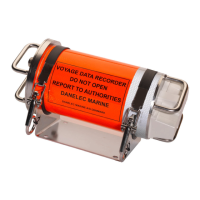
Operator's Manual for the DM100 S-VDR
Copyright Danelec Marine A/S
8.1 Verification of the S-VDR functionality following service on any sensor ................... 25
8.2 Setting the IP address of the PC, windows 7 ........................................................... 26
8.3 Connecting the PC to the S-VDR ............................................................................. 29
8.3.1 Run the VDR Verifier program ........................................................................... 29
8.3.2 Examination of the report .................................................................................. 32
8.4 List of most common spare parts ............................................................................. 36
DBS10912-10 Page 4/36



 To Next Page