11
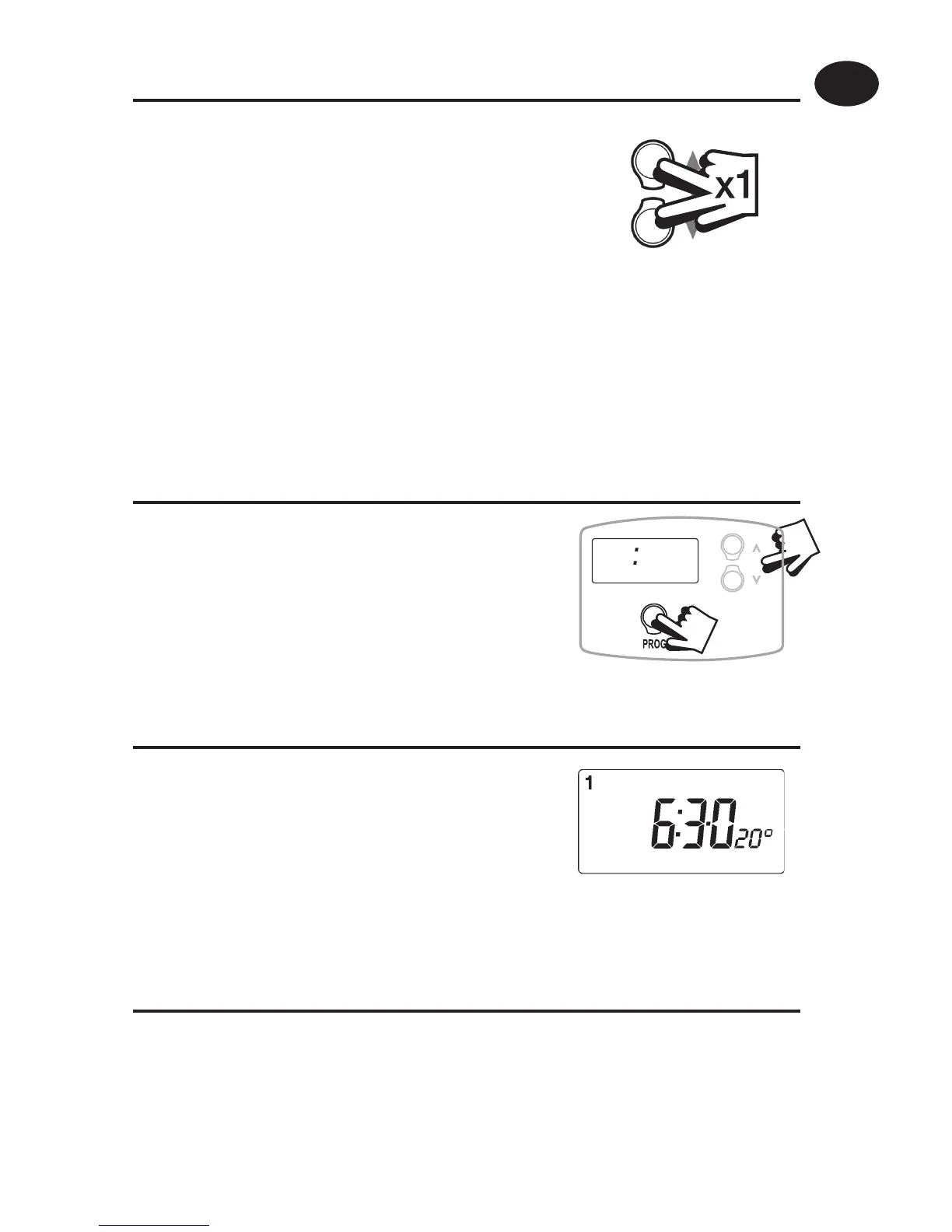
Pressing the and buttons
together once allows you to toggle
between DAY and NIGHT mode as
required.
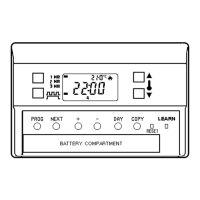
Setting the clock
Press PROG button once.
Use and buttons until the correct
TIME is shown.
Press PROG button again.
Use and buttons to select the
time you wish the unit to return to
DAY mode.
RUN Mode
Moving between DAY and NIGHT mode
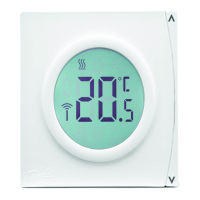
RT52 / RT52-RF only
Setting the Return to Day Time
i2 00
Press PROG again to return to RUN mode.
The unit will now control your heating at the temperatures you
have set.
User Instructions
GB


 To Next Page