10
Before you start
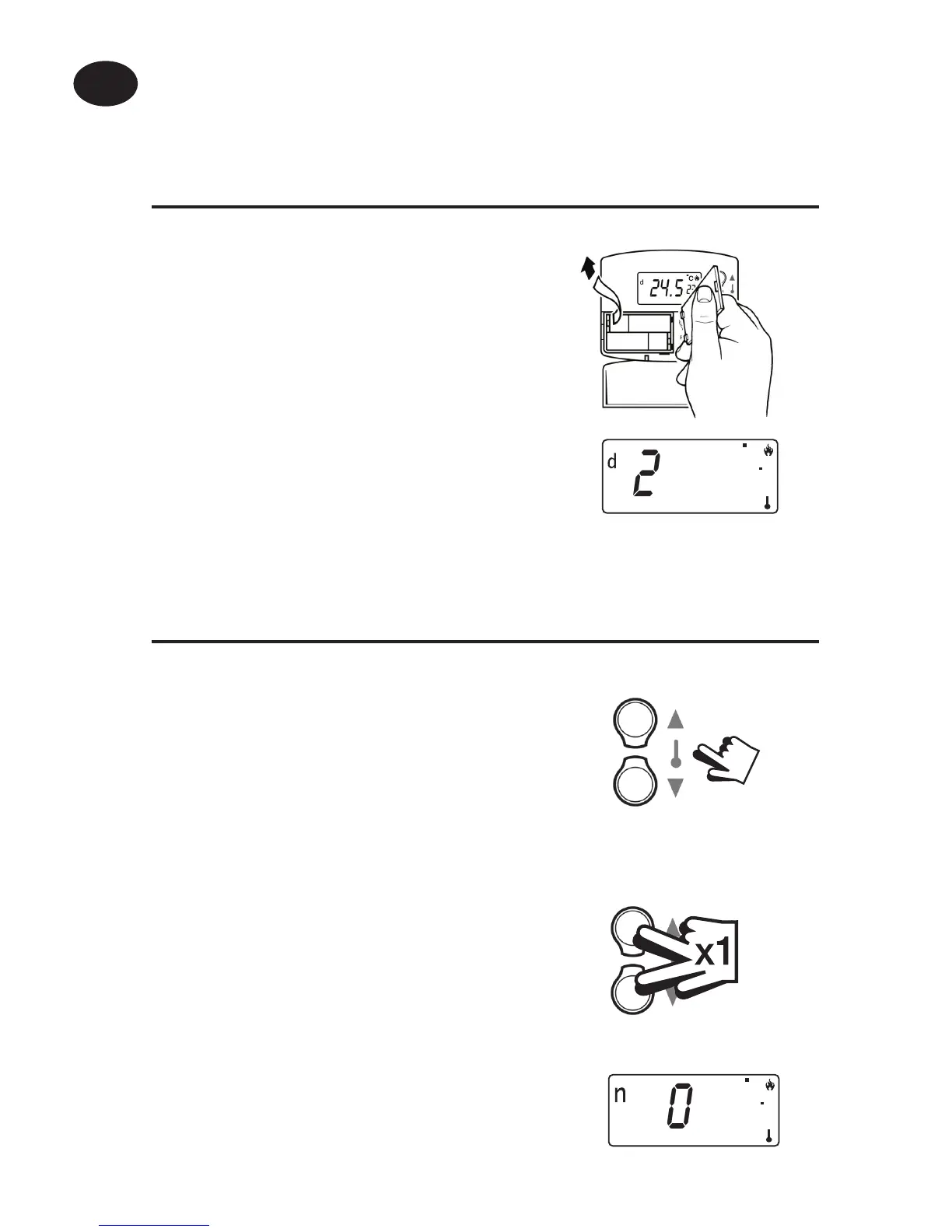
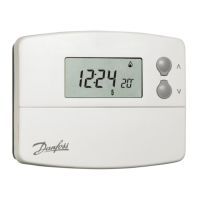
To reset the unit, open the ap on the
front of the programmer. Remove the
batteries for 2 minutes, then replace.
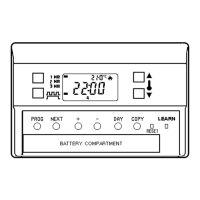
The display will automatically default to
DAY mode (d shown top left of display)
and show actual temperature in the large
characters and required temperature in
the smaller characters.
DAY temperature
Use the and buttons until the
required DAY temperature is shown.
NIGHT (set-back) temperature
Press and buttons together once to
select NIGHT mode (n shown top left of
display).
Use the and buttons until the
required NIGHT (set-back) temperature
is shown (between 5-30°C or O ).
Setting the DAY & NIGHT temperatures
22
C
@
20.0
22
C
n
20.0
All models
User Instructions
GB


 To Next Page