Battery Compartment
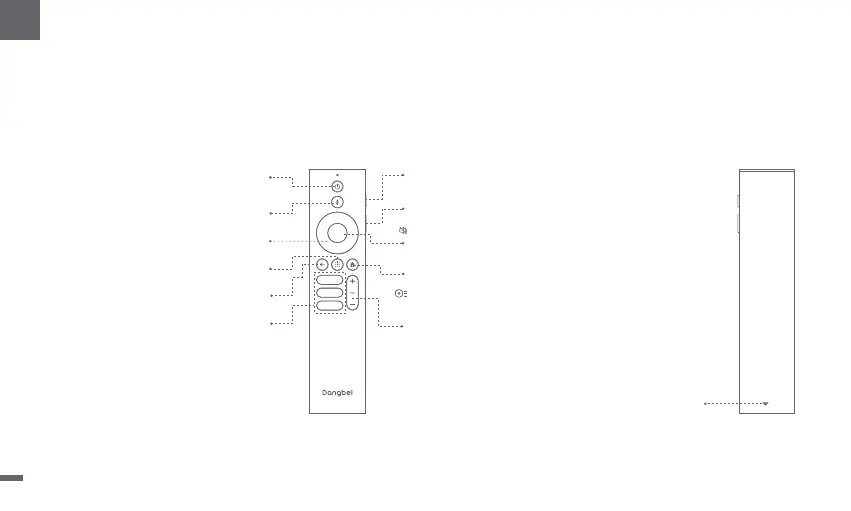
Remote Control Overview
ㆍOpen the battery compartment cover of the remote control.
ㆍInstall 2 AAA batteries *.
ㆍPut back the battery compartment cover.
* Please insert new batteries according to the polarity indication.
Power
Press to power on / switch to standby mode / wake up
Press and hold for 2 seconds to power off
Google Assistant
Press and hold to talk to Google Assistant
Back
Return to the previous page
OK
Confirm a selection or Pause / Resume
Home
Press to access the homepage
Press and hold to bring up the Dashboard
for quick access to Picture and Sound
Apps
Open my applications
Slide down to open the back cover,
and then install 2 AAA batteries.
Volume Down/Volume Up
Streaming Apps
Connect to the video streaming
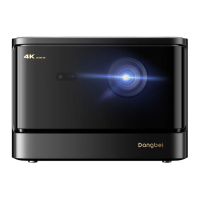
Red Side Key (Up)
Press for manual focus. Press and hold for
2 seconds for autofocus.
Black Side Key (Down)
Press to access [Projector]
Press and hold to mute / restore volume
Navigation
Control the cursor on the screen
05
EN


 To Next Page