mage Correction Settings
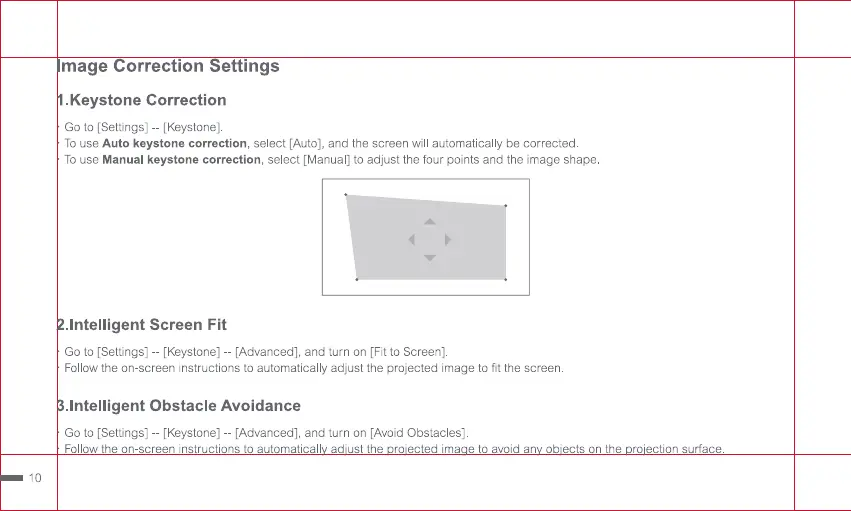
.Keystone Correction
Go to [Settings] - [Keystone].
To use Auto keystone correction, select [Auto], and the screen will automatically be corrected
To use Manual keystone correction, select [Manual] to adjust the four points and the image shape.
.lntelligent Screen Fit
Go to [Settings] - [Keystone] - [Advanced], and turn on [Fit to Screen]
Follow the on-screen instructions to automatically adjust the projected image to fit the screen.
.lntelligent Obstacle Avoidance
Go to [Settings] - [Keystone] - [Advanced], and turn on [Avoid Obstacles]
Follow the on-screen instructions to automaticall ad'ust the ro'ected ima e to avoid an ob'ects on the
10
ro'ection surface.


 To Next Page