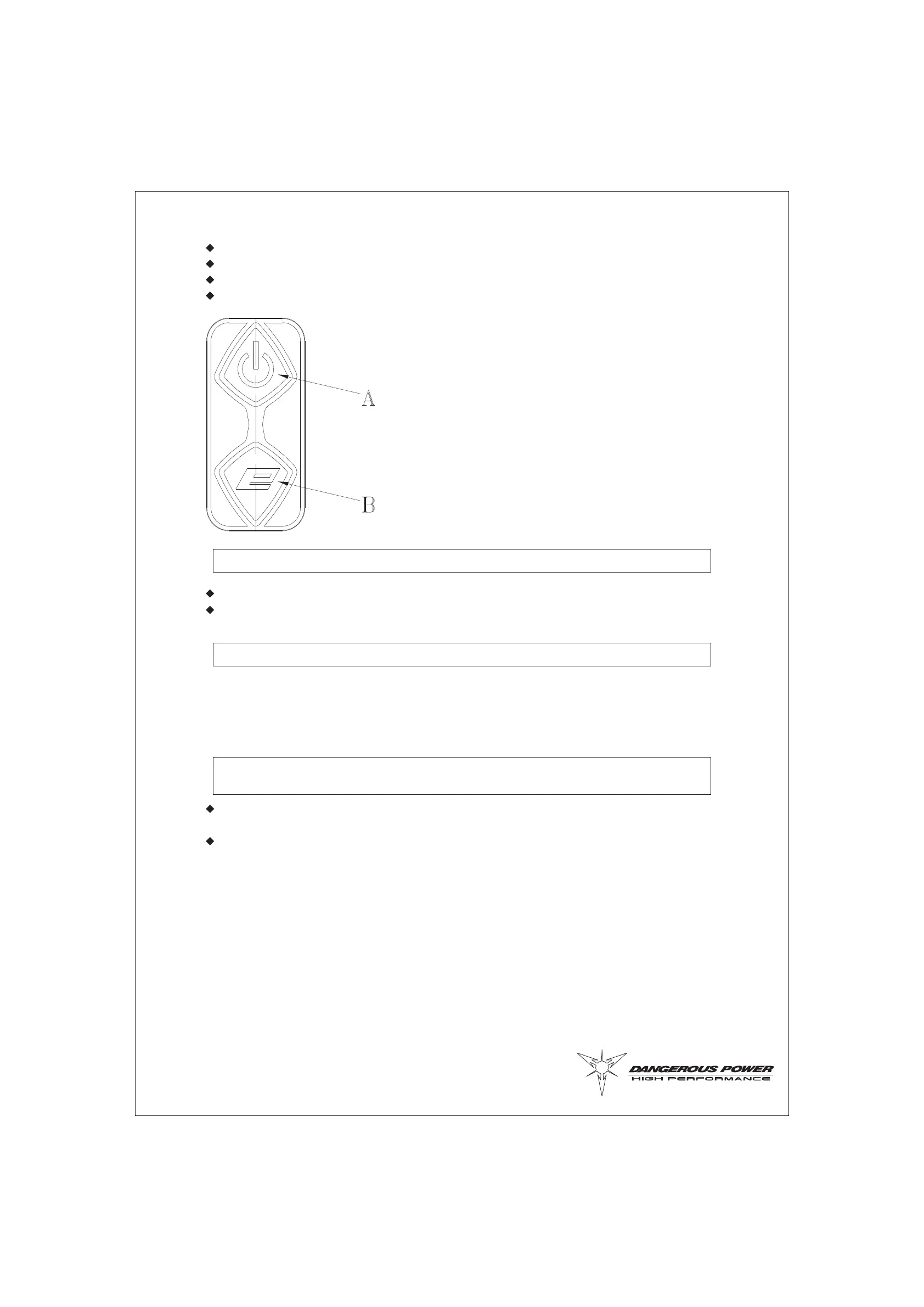
Red light flashi ng eve ry 5 secon ds Stand by mode (autom at ic after 30 secon ds of non-use)
Blue light blink ing rapidl y Senso r syst em OFF
Blue light blink ing slow ly Senso r syst em ON and mar ker NOT load ed
Blue light stead y Senso r syst em ON and marker load ed
Press and hold the power button“A”for 4 secon ds.
LED turn off after releasi ng the han d.
Most con taminates found on exter nal surf aces can easi ly be remov ed with water and a dry
clean dump cloth or a few drop s of clean ing oil.
Other useful sup plies for maintaining Fusi on are clean rags, Q-tips, and water / rubbing
alcoh ol mix.
9
DEACTIVATION
EXTERNAL MAINTENANCE
BOARD ADJUSTMENT
Usi ng a HEX tool, rem ov e the 2 scr ews loca ted on the top and button of gri p with the Fusi on is
pointing to the left.
The 2 adjust ing finger switche s are loca ted on the top of the PC bo ard.



 To Next Page