Need help?
Do you have a question about the Dareu EM911 and is the answer not in the manual?
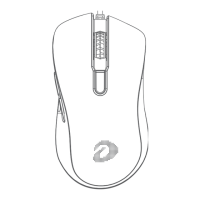
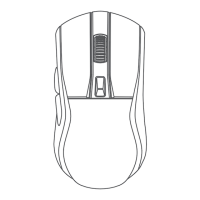
Covers the left and right primary mouse buttons.
Covers the forward and backward side buttons.
Identifies the mouse scroll wheel.
Identifies the button for adjusting DPI settings.
Details the main driver software interface for configuration.
Explains the driver's macro programming features.
 General
| Sensor Type | Optical |
|---|---|
| DPI | 6000 |
| Polling Rate | 1000 Hz |
| Buttons | 6 |
| Connection Type | Wired |
| Cable Length | 1.8 m |
| Color | Black |
| Sensor | PixArt PAW3325 |


 To Next Page