Need help?
Do you have a question about the Dareu EM901 and is the answer not in the manual?
Details the wireless receiver and charging cable included with the mouse.
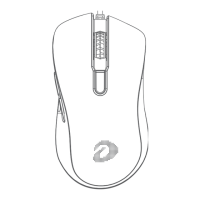
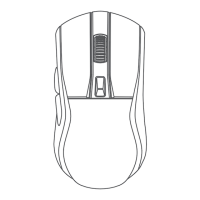
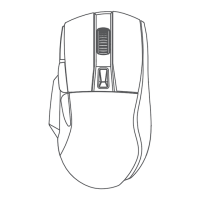
Explains the left button, right button, and scroll wheel functions.
Covers DPI button, forward/backward buttons, and power/backlight toggles.
Illustrates connecting the dongle to a device and plugging in the cable.
Provides a step-by-step guide for manually pairing the 2.4G wireless connection.
Details key combinations for activating modes and shows DPI indicator light behavior.
Explains DPI adjustment steps and the default lighting colors for DPI values.
Shows the main interface for the Dareu mouse driver software.

 To Next Page
 General