Need help?
Do you have a question about the Dareu A950 and is the answer not in the manual?
Lists the included items: mouse, cable, charging dock, and user manual.
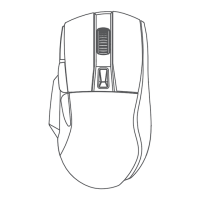
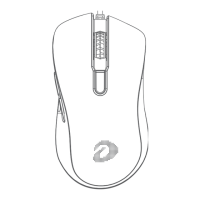
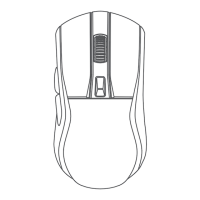
Identifies and labels the left button, right button, scroll wheel, DPI button, forward, backward buttons, magnetic charging contacts, connection modes switch, BT pairing, and receiver case.
Details connection types, cable length, acceleration, tracking speed, DPI ranges, report rate, working time, charging time, weight, dimensions, and compatibility.
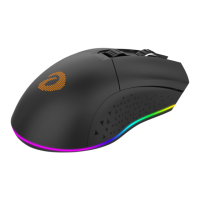
Explains the color cues for battery status (low, charging, high) and original lighting effects.
Describes setup procedures for 2.4G wireless, wired, and Bluetooth (BT) connection modes.
Introduces the driver software interface for settings like Key Setting, Mouse Performance, Macro Definition, and Lighting.
Provides a step-by-step guide on creating, recording, saving, and assigning macro functions to mouse buttons.
 General
| DPI | 26000 |
|---|---|
| Polling Rate | 1000Hz |
| Weight | 75g |
| IPS | 650 |
| Acceleration | 50G |
| Battery Life | Up to 70 hours |
| RGB Lighting | Yes |
| Cable Length | 1.8m |
| Sensor | PAW3395 |
| Connectivity | Wireless |

 To Next Page