FEATURES
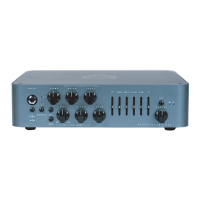
FRONT PANEL
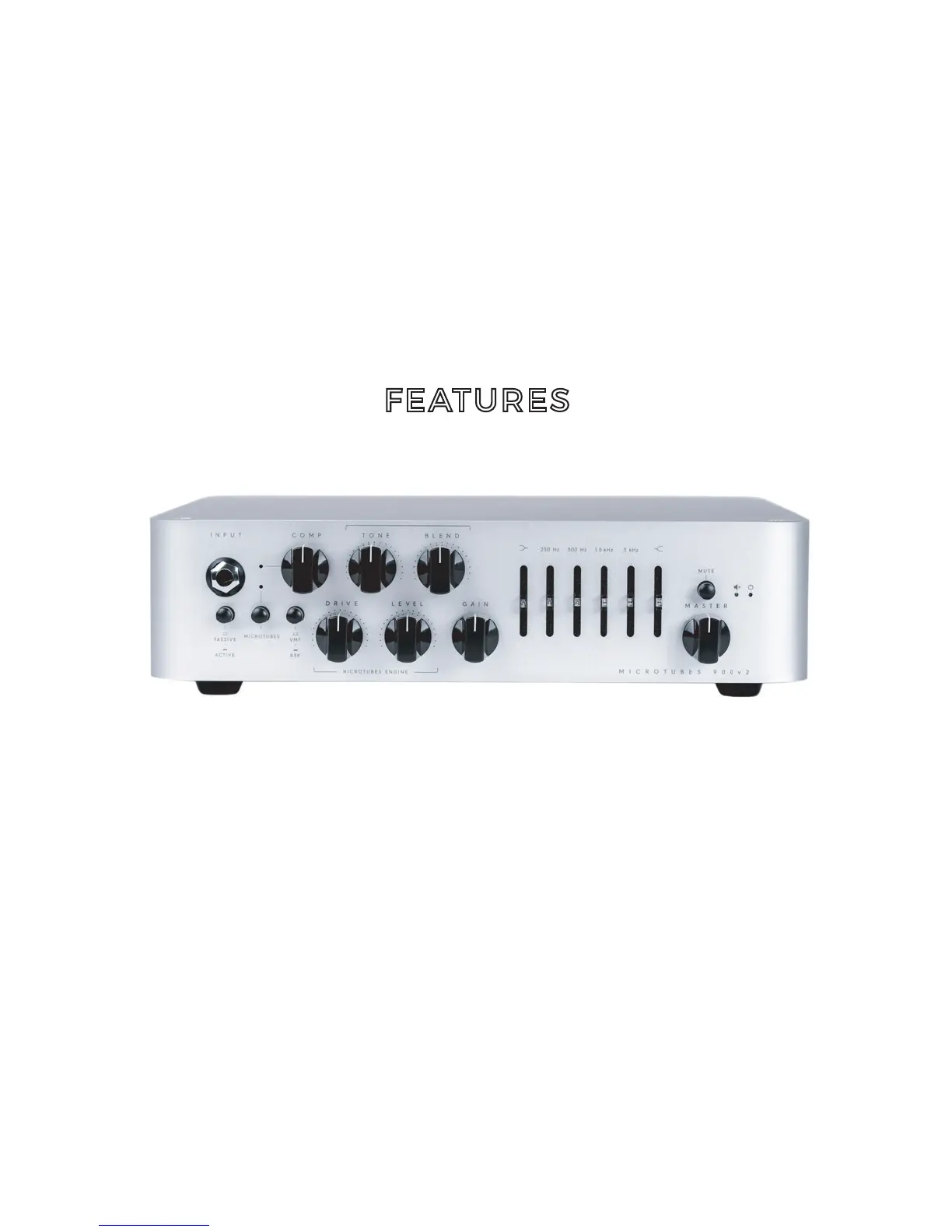
INPUT : Use this jack to connect your instrument via a
standard ¼” mono cable.
PASSIVE/ACTIVE : Use this push-button switch to change
from passive to active mode. If your bass is active it can
have a hotter signal making the amp to distort early (feel
free to use if such additional distortion is desired).
MICROTUBES: Use this push button to turn on or off the
Microtubes Engine to add natural compression, organic
harmonic enhancement, and saturation ranging from
mild overdrive to high gain bass rage.
The Microtubes Engine operates before the clean section
(you can therefore use the 4 Band Active EQ for additional
tone shaping in addition to the Tone knob described below).


 To Next Page