∙ 10 ∙
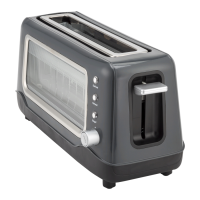
• Remove all packaging material and stickers from your Dash Clear View Toaster.
• Clean the appliance and all of its components prior to assembly and use.
• Make sure loose objects have not fallen inside the Toaster.
• In order to eliminate any manufacturing residues, turn on the Toaster without bread and set the Browning
Dial to level 4. The appliance may give off some smoke which is perfectly normal.
using your toaster
∙ 11 ∙



 To Next Page