6
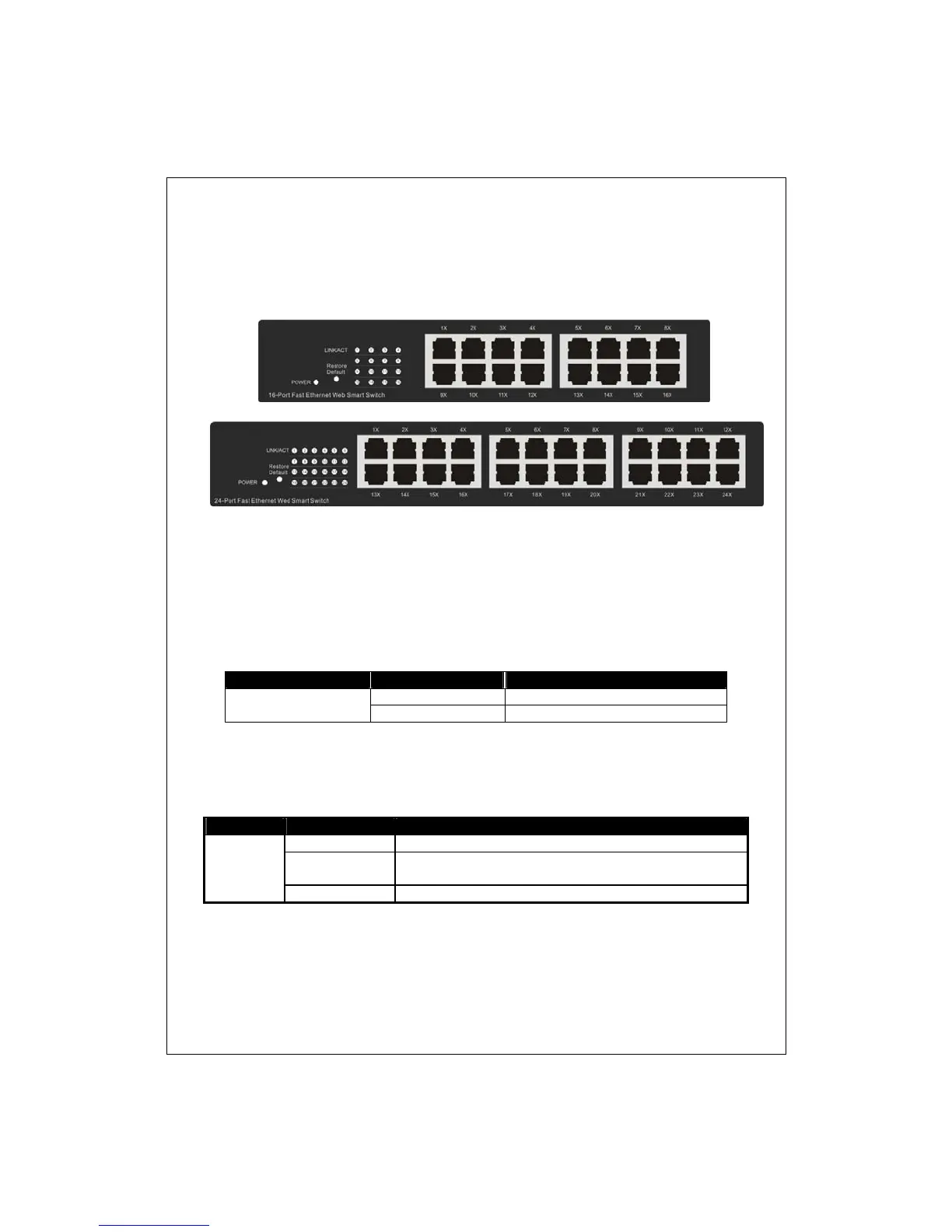
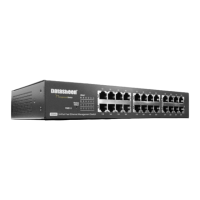
D316S / D324S Front Panel
The front panel consists of LED indicators. Please refer to the following
paragraph for information.
LEDs Definition
LED for the device:
The switch provides a power LED for the device.
LED Status Operation
Power
Steady Green The switch is powered on
Off The switch is powered off
LED for each port:
LED Status Operation
LINK/ACT
Green The port is connected.
Blinking Green
A valid link is established, and there is data
transmitting/receiving.
Off No valid link on this port.
Port Operation
The auto-negotiation feature allows those ports running at one of the



 To Next Page