15
RECORD
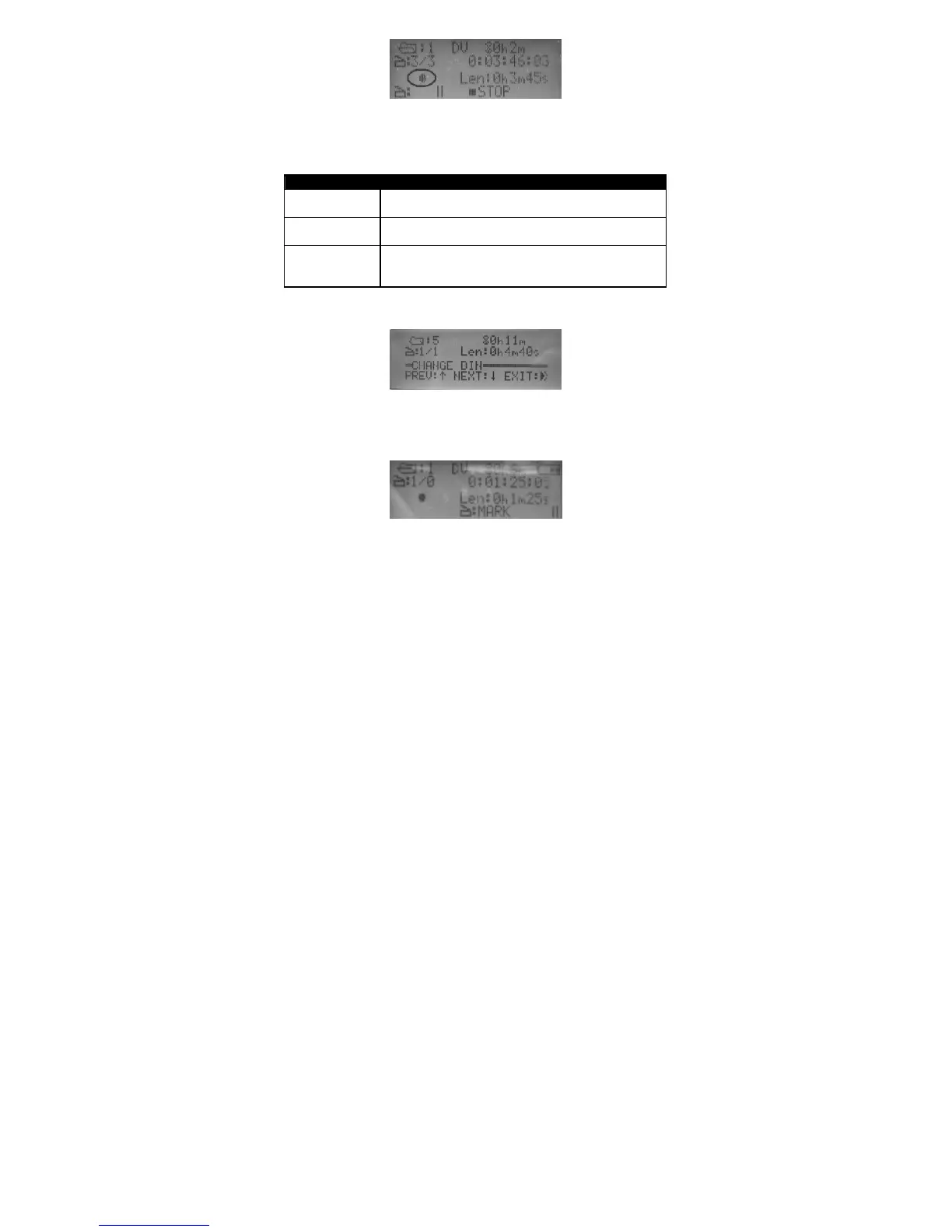
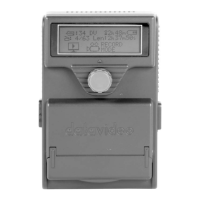
Current timecode is displayed on the second line.
Third line will display recording status and BINS length in the minimal unit
of second.
There are three options during RECORD:
Menu Option Action taken
STOP Select STOP to stop recording.
PAUSE Select PAUSE to pause recording.
MARK Press MARK to drop a marker in the current
location.
Table 3 RECORD
BINS
Turning the knob to select the target BINS and press the knob to confirm
the selection and exit from the BINS menu.
MARK
Press the knob to drop a mark. This will create a video clip when you
Make Media File.


 To Next Page