8
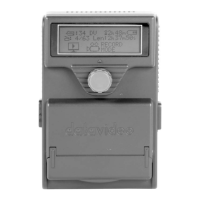
Front Panel
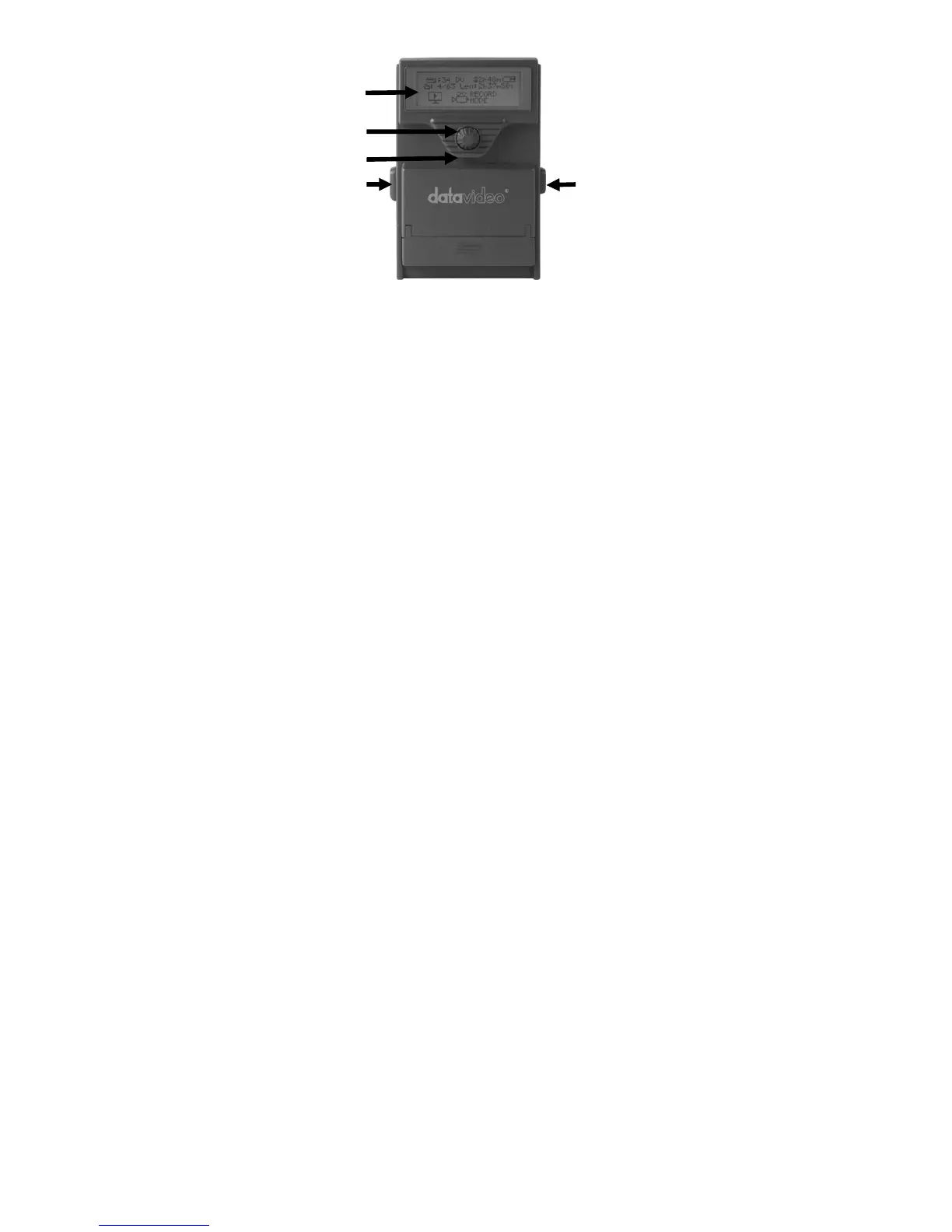
1. LCD Display
There are four lines in the LCD Display. The first line is used to display
icons that reflect some of the current settings of the unit. These settings
include:
Battery Level
Loop Play enabled
Time Remaining
Signal type
The second line will display the bin length. While playing or recording it
also displays the current clip number and the total number of clips in the
bin.
The third and fourth line annotates the different recorder mode.
2. Knob Switch
Indicates unit is recording when lit red, Flashes red when Mediapac is
not inserted or when there is less than 2 minutes of capacity while
recording.
1
2
3
4
5


 To Next Page