17
PLAY
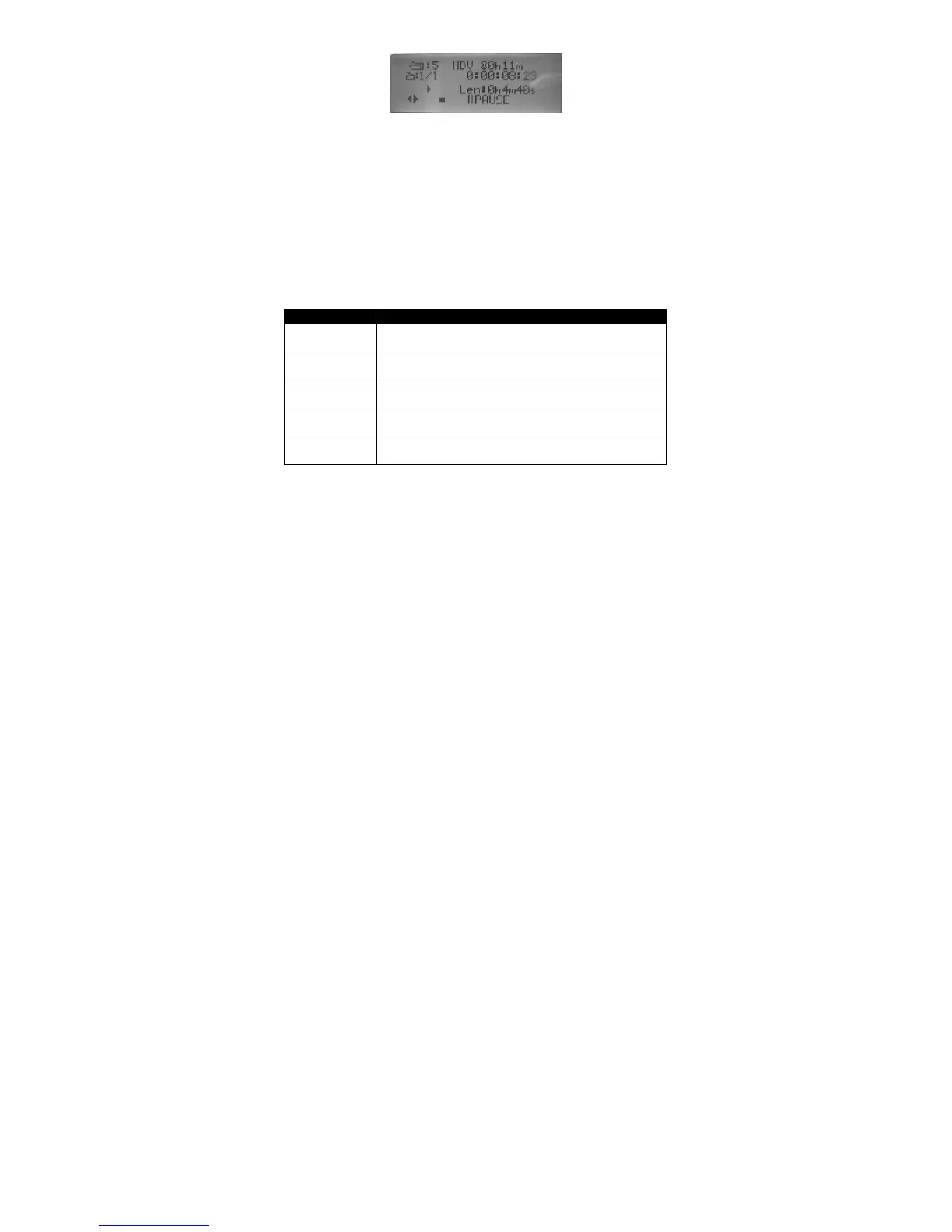
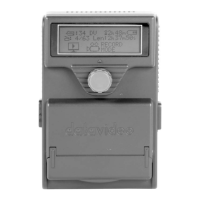
During PLAY, DN-60 will display output signal format on the first line, clip
number and timecode on the second line. It will pause at the last frame of
the playing BINS. Any time during PLAY, user can use the knob to select
one of the five play options to achieve the function they want.
There are five different options available during PLAY.
PAUSE
STOP
FF/REW
CLIP +/-
Frm +/-
Menu Option Action taken
PAUSE Pause playing.
STOP Stop playing.
FF/REW Play Fast Forward or Fast Rewind
CLIP +/- Pause for Clip search
Frm +/- Pause for Frame stepping
Table 5 PLAY


 To Next Page