19
Updating the Firmware
To update the DN-60’s firmware, take a CF card that has undergone the
MAKE MEDIA FILES process with FAT-32 file system option selected,
and then connect it to your computer. Copy the firmware update file to the
root directory, level where all bin folders appear, and rename it flash.bin.
Next, insert the CF card in the DN-60 and select the UPDATE
FIRMWARE option and follow the instructions.
Use AC power source when update firmware. Make sure there’s no 1394
cable hooked to DN-60 during upgrade process.
SETUP
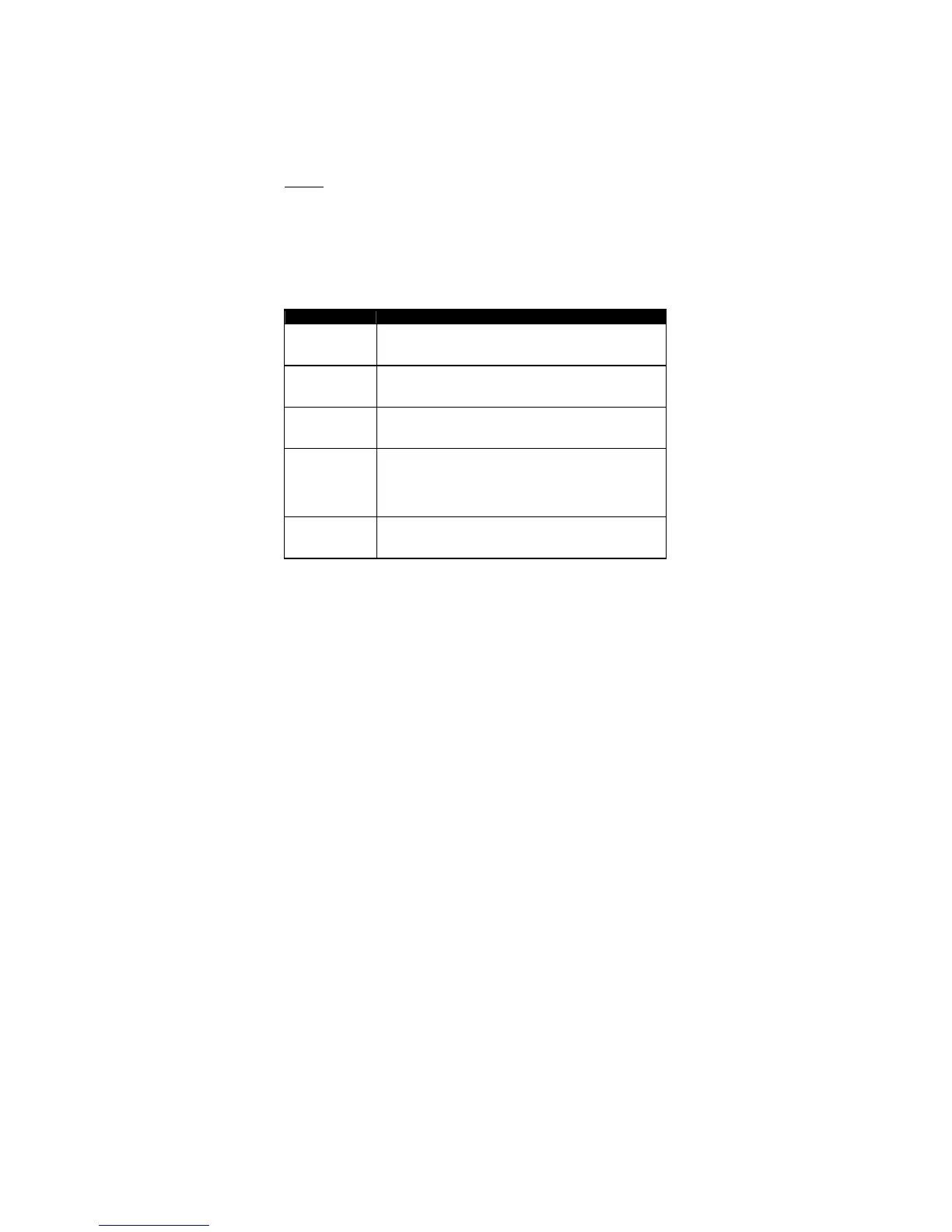
There are four different setup menu options available in SETUP mode.
PLAY SETUP
RECORD SETUP
SYSTEM SETUP
SAVE SETUP
RECALL SETUP
Menu Option Action taken
PLAY SETUP
Enters the PLAY Setup Menu group detailed in the
named section
RECORD
SETUP
Enters the Record Setup Menu group detailed in the
named section
SYSTEM
SETUP
Enters the System Setup Menu group detailed in the
named section
SAVE SETUP DN-60 has the capability to store 2 user preset
SETUP. Using this feature, user can store the
current DN-60 setup under USER setup #1 or USER
setup #2.
RECALL
SETUP
This is to allow user to recall previously saved user
setup.
Table 7 SETUP


 To Next Page