23
STATUS
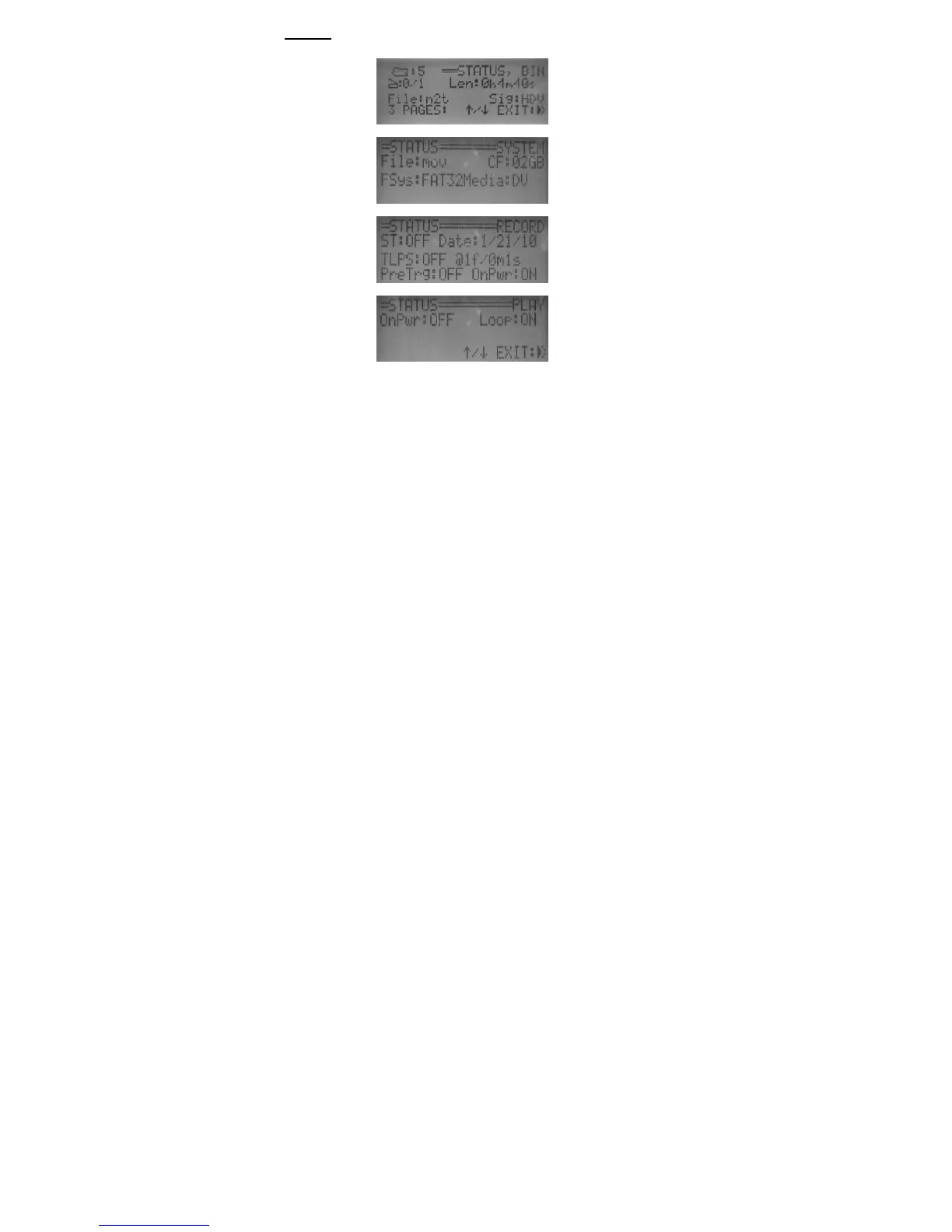
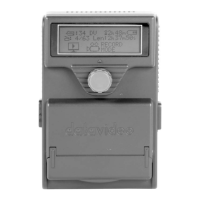
Press STATUS will display DN-60 current status information. It displays
the selected recording signal type, recording file format, recording file
system, and the selected recording media type.
It also displays the recording setup such as sync to tape is ON or OFF,
time-lapse recording information, pre-trigger and power on auto recording
feature setup.


 To Next Page