11
IEEE-1394 6-pin FireWire (iLink) DV Input and
loop thru output
Available in DV25 NTSC 4:1:1 or PAL 4:2:0 format
Please Note: As long as any DV port from MP-6000
is connected to a PC thru the IEEE1394 port, PC will
disable the loop thru function and work only peer to
peer in between MP-6000 & PC.
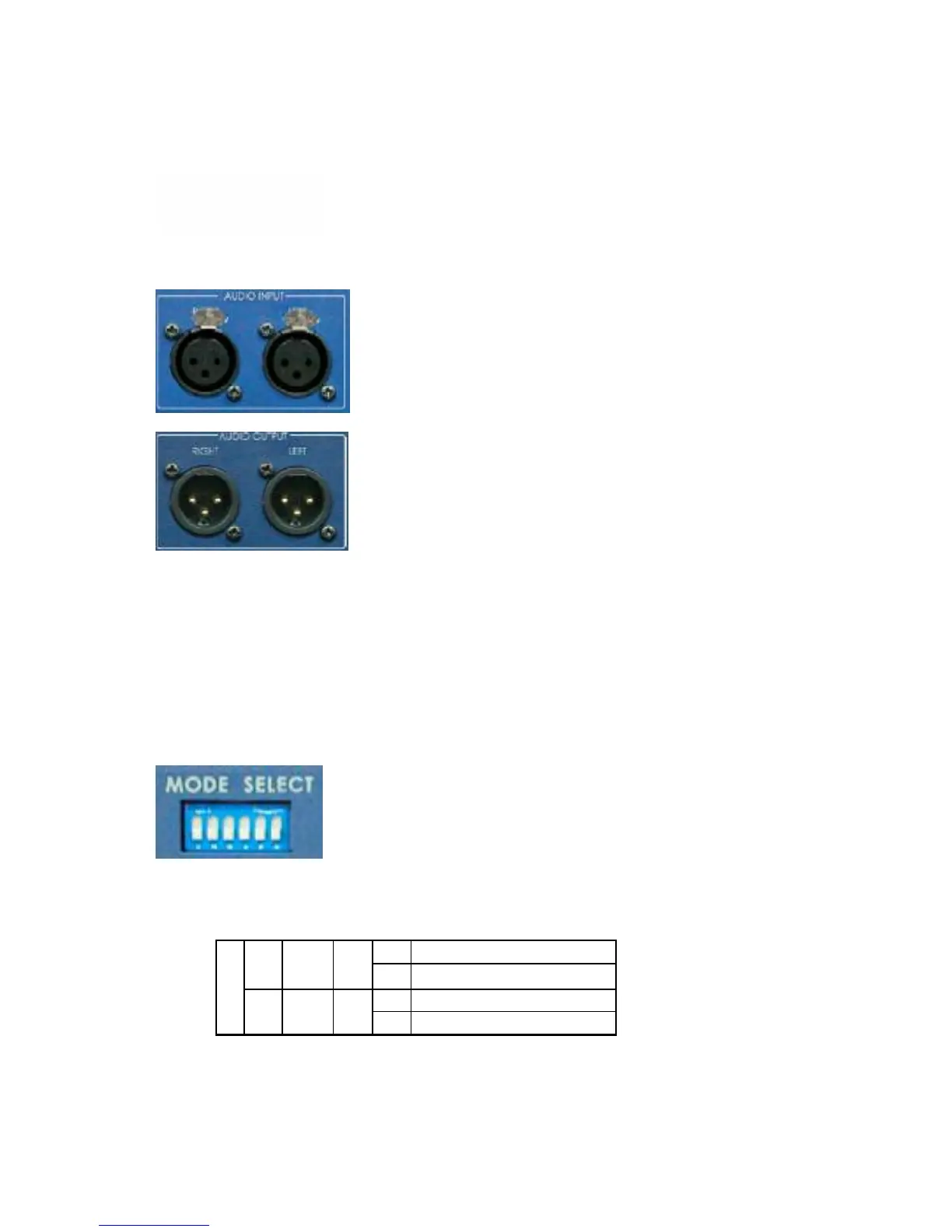
Balanced Audio Input
Supports two channels XLR Balanced Audio Input
Balanced Audio Output
Supports two channels XLR Balanced Audio output
Dip Switch setting for Mode select:
Set the DIP Switches to select an operation mode.
*. Note: Reboot the MP-6000 if you have changed a DIP Switch
S1. For selecting a NTSC or PAL video system. (PAL-ON, NTSC-OFF)
S2. For selecting DV-25 4:2:0 for PAL video and the video setup level for NTSC.
*. Note: NTSC 0 IRE is most often used in Japan. NTSC 7.5 IRE is used elsewhere.
ON DV25 4:2:0
ON
PAL
S2
OFF Reserved
ON 0 IRE
S1
OFF



 To Next Page