46
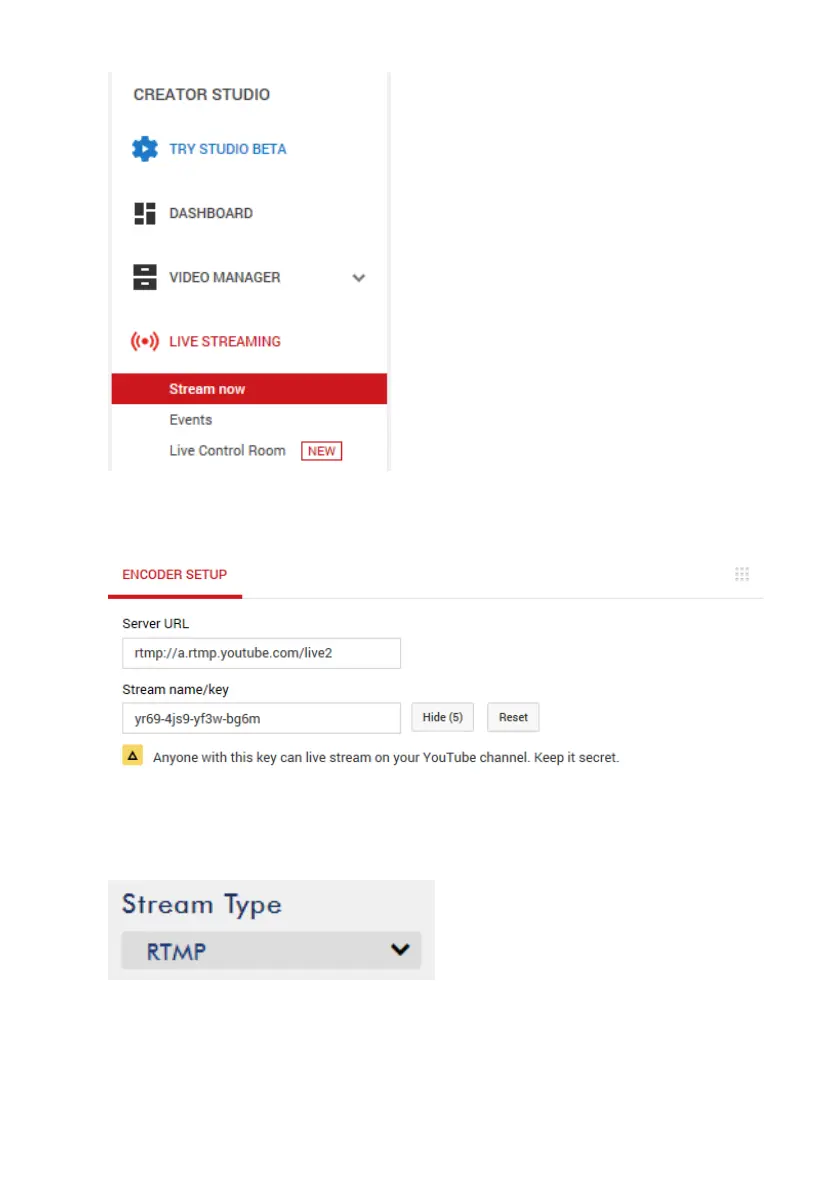
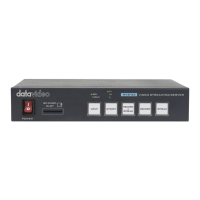
4. On the right, scroll down to the bottom where you will be able to find Server
URL and Stream name/key.
5. On the NVS-34, open the Stream operation mode page.
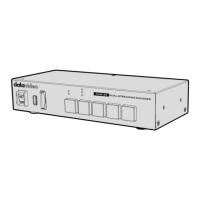
6. Select RTMP from the Stream Type drop-down menu.
7. Enter the Server URL (rtmp://a.rtmp.youtube.com/live2) obtained from the
Youtube Live Streaming page into the RTMP URL field.


 To Next Page