52
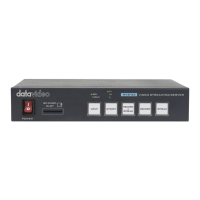
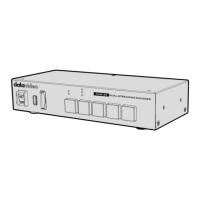
5. Wait for about 5 seconds then release the RECORD and STREAM buttons and
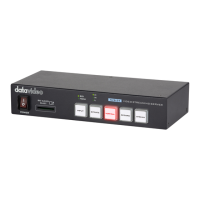
the BITRATE, VERTICAL, RECORD and STREAM buttons should start blinking red.
6. The reset is complete as soon as you see the BITRATE, VERTICAL, RECORD and
STREAM buttons illuminating solid white.
7. The device’s network settings should now be the default DHCP mode.
8. Connect the device to a DHCP network and use the IP finder to scan for the
device.
3.6 Firmware Update
Datavideo usually releases new firmware containing new features or reported bug
fixes from time to time. See Section 4 Firmware Update for instructions on firmware
update.


 To Next Page