1 DATECS LP-50
20
3.3. DIP switches and buttons
3.3.1. Configuration switches
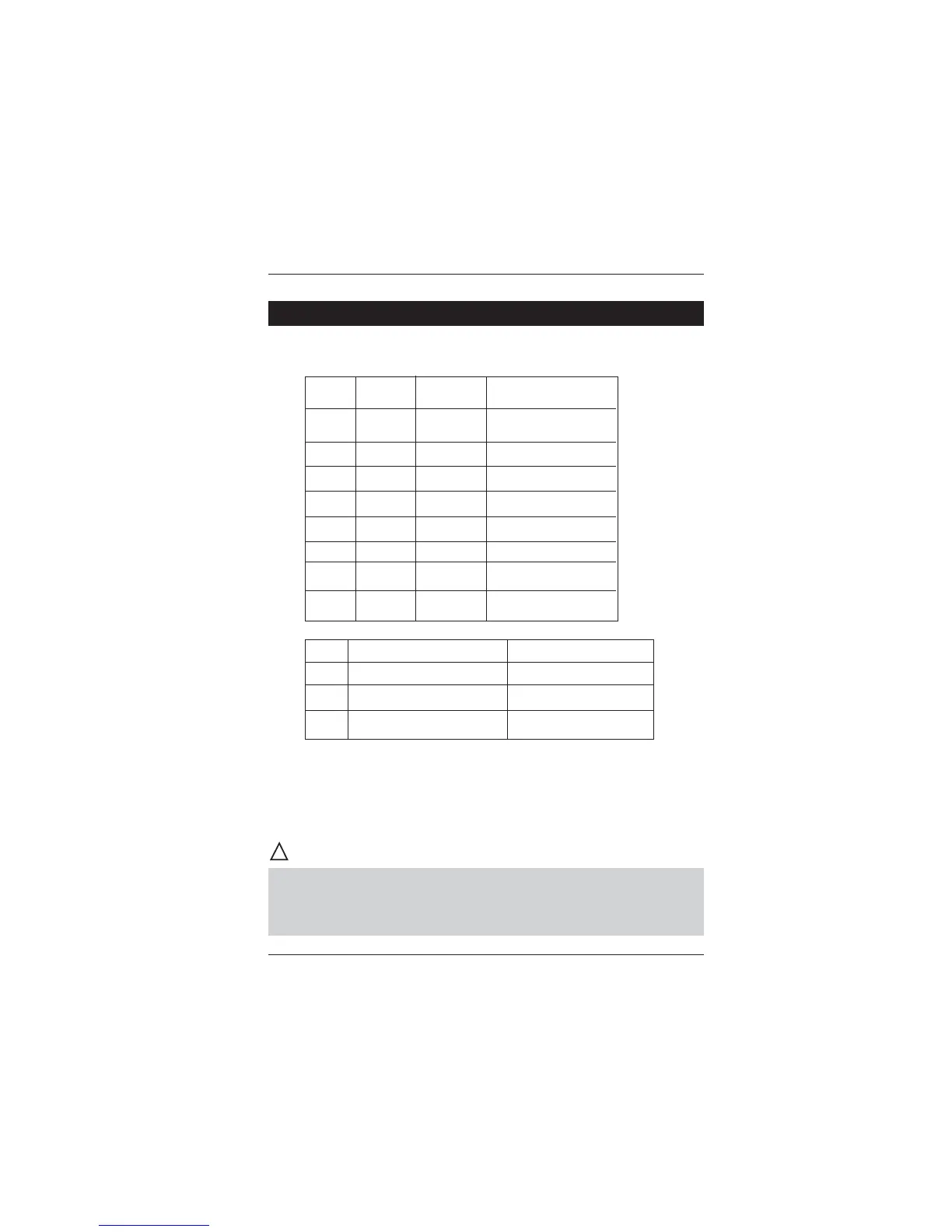
Sw1 Sw2 Sw3 Baud rate (bps)
OFF OFF OFF Local keyboard
ON OFF OFF 2 400
OFF ON OFF 4 800
ON ON OFF 9 600
OFF OFF ON 19 200
ON OFF ON 38 400
OFF ON ON 57 600
ON ON ON 115 200
OFF ON
Sw4 Hardware protocol XON / XOFF protocol
Sw6 Paper roll printing Sticker label
Sw8 Normal operation mode LP-50 compatible
3.3.2. Operation buttons
The FEED button extracts paper until it is released. In the “sticker
type labels” mode positions the printing head over the next label.
If you keep the button pressed when printer is switched off and switch
it on in the meantime it will print out diagnostic information and then will
enter the dump mode. After this operation the printer MUST be switched
off and on again to return to normal mode!
!
CAUTION



 To Next Page