ONE FACTOR OPERATIONS
One-Factor operations require the entry
of only one mathematical function. The
single factor is entered into the calcula-
tion when you press the function key. You
do not have to press = to complete the
calculation.
Some one-factor functions include √, cos,
sin, tan and log.
Example:
sin 90˚ = 1
Enter 90 [ sin ]. 1 is displayed
TWO-FACTOR OPERATIONS
Two-Factor operations require the entry
of at least two mathematical funtions.The
first factor is entered when you press the
function key such as +, --, x, ÷, or yx .
The second factor is entered when you
press the = key and the calculation is
completed.
Example: 7 x 5 = 35
Enter 7 [ x ] 5 [ = ] . 35 is diplayed.
Two factor functions can be chained
together but algebraic hierarchy is always
in effect. To perform a calculation of a
lesser
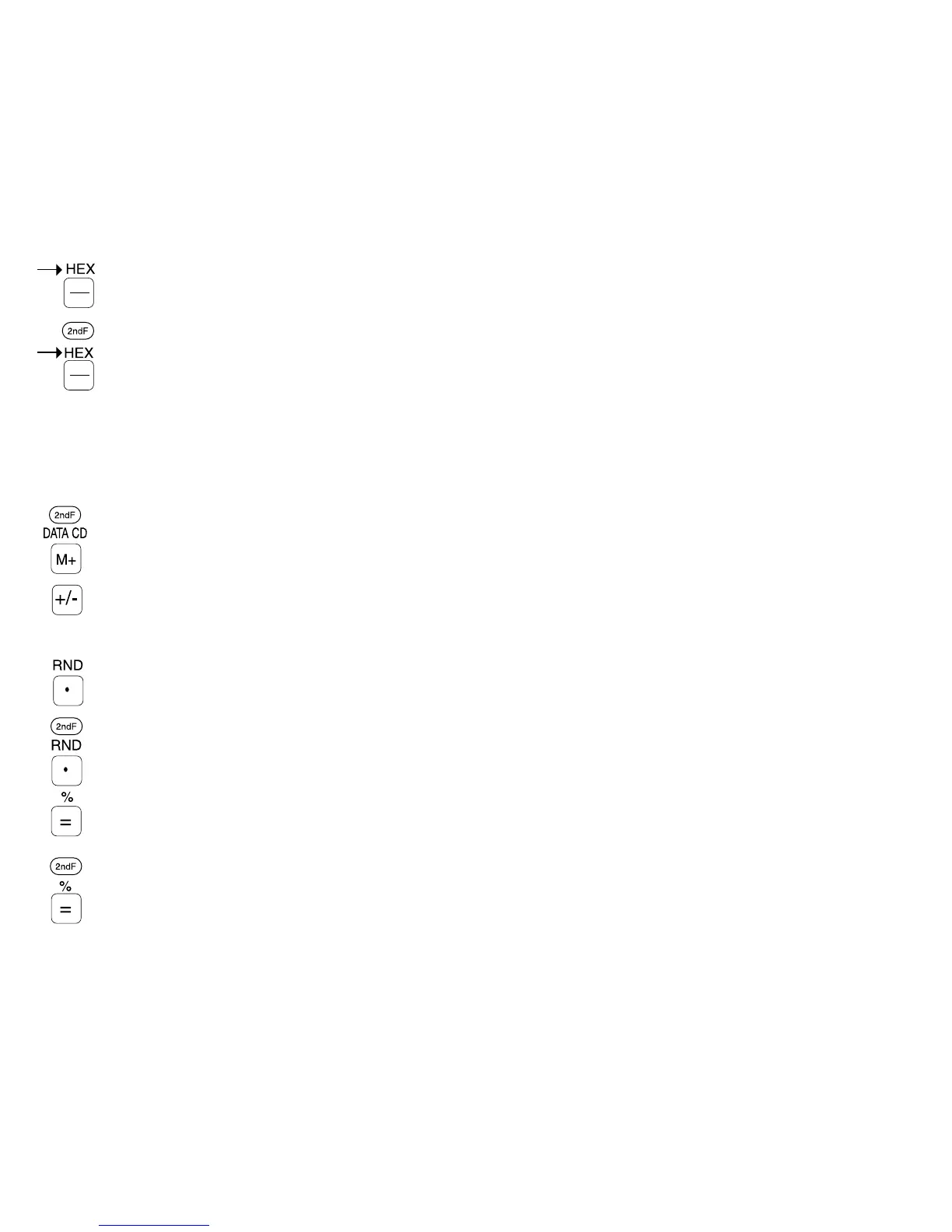
Memory plus / DATA CD key
Press to add the displayed num-
ber to the contents of the
Memory. To subtract the displayed
number from the memory, press
the +/- key first. In statistical
mode, press to enter data.
In statistical mode, press to delete
a wrong data entry.
Change sign key
Press to change the displayed
number from positive to negative
and vice versa.
Decimal point / random
number key Press to
place a decimal point number in
the display.
Press to generate random num-
bers between 0.000 and 0.999
(Decimal mode only).
Equals /Percent key
Displays the results of arith-
metic and complex calcula-
tions.
Used for percentage calcula-
tions.
2120



 To Next Page