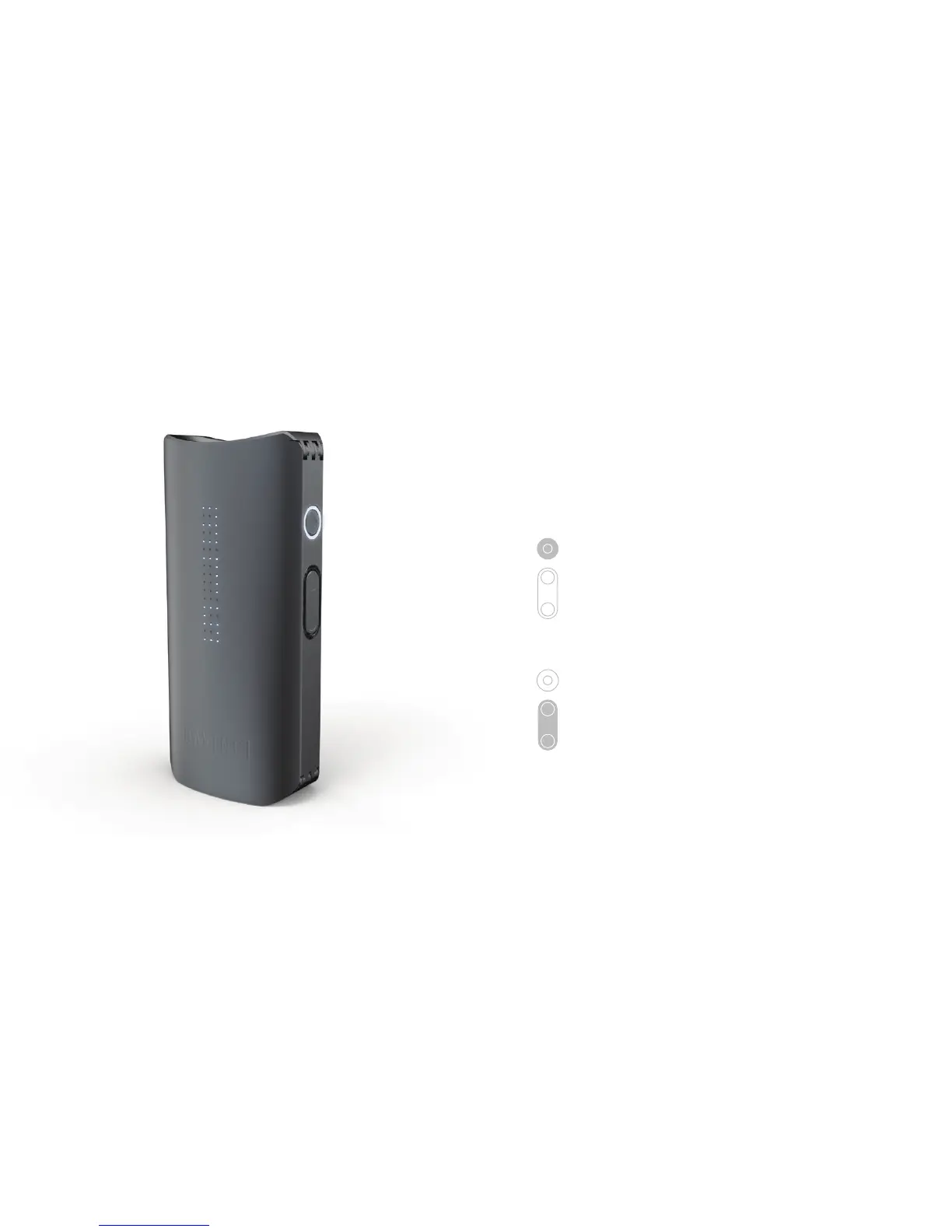
PRECISION MODE
Precision mode heats your material to
a specific temperature. Click the control
button to switch modes.
Raise temperature by pressing the up
arrow button, or decrease temperature
by pressing the down arrow button. The
IQ will blink once and vibrate when set
temperature is reached.


 To Next Page