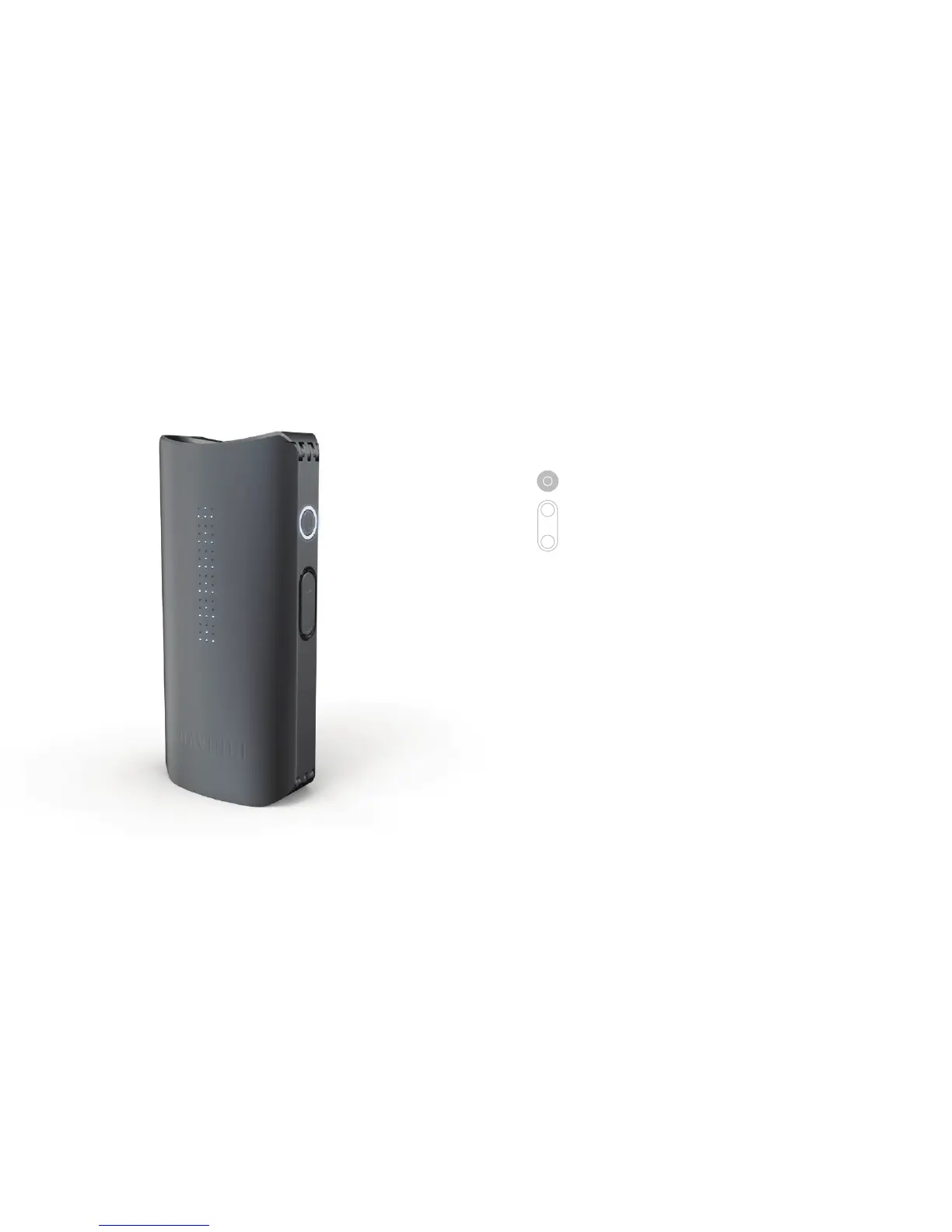
Press and hold control button to activate
boost mode, holding to stay at max temp.
Release to engage standby mode, which
cools down the vaporizer to conserve your
material. Press any button on vaporizer
to resume your previous mode. After 3
minutes in Standby the device will turn o to
conserve the battery life.
BOOST
hold
STANDBY


 To Next Page